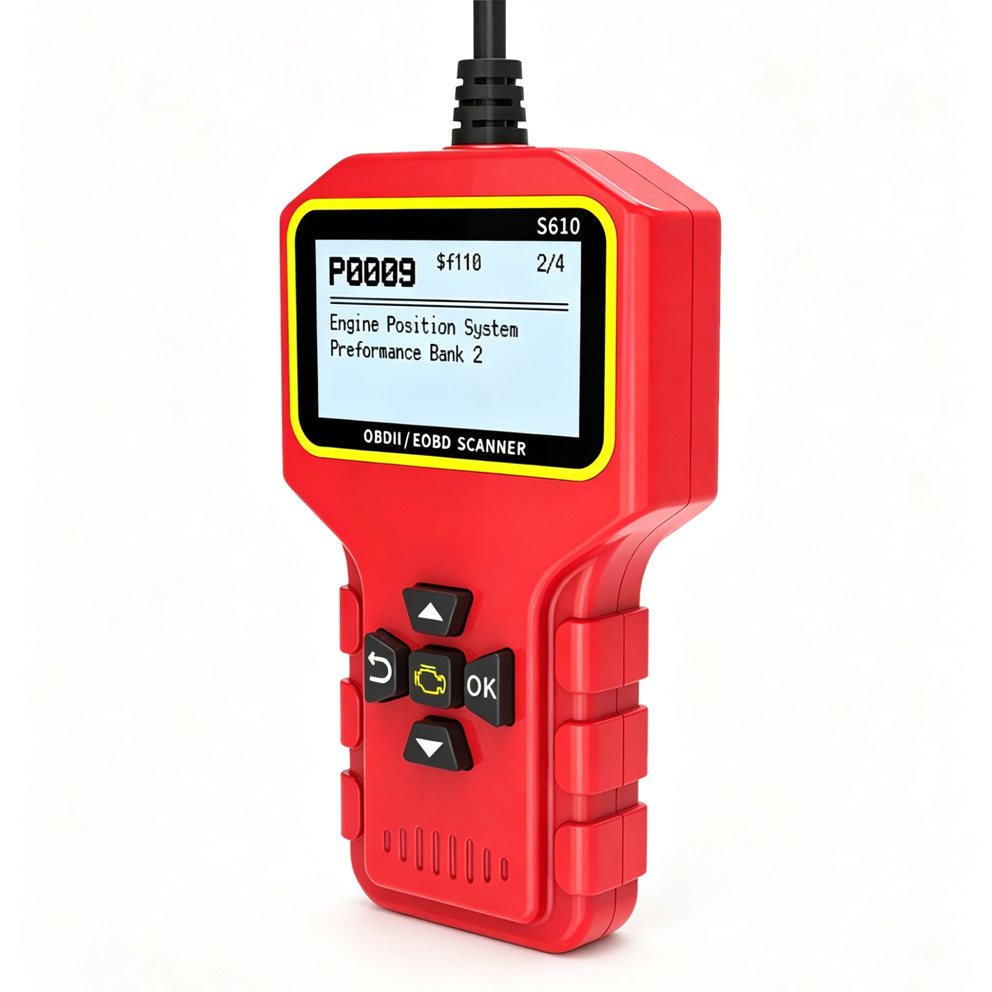
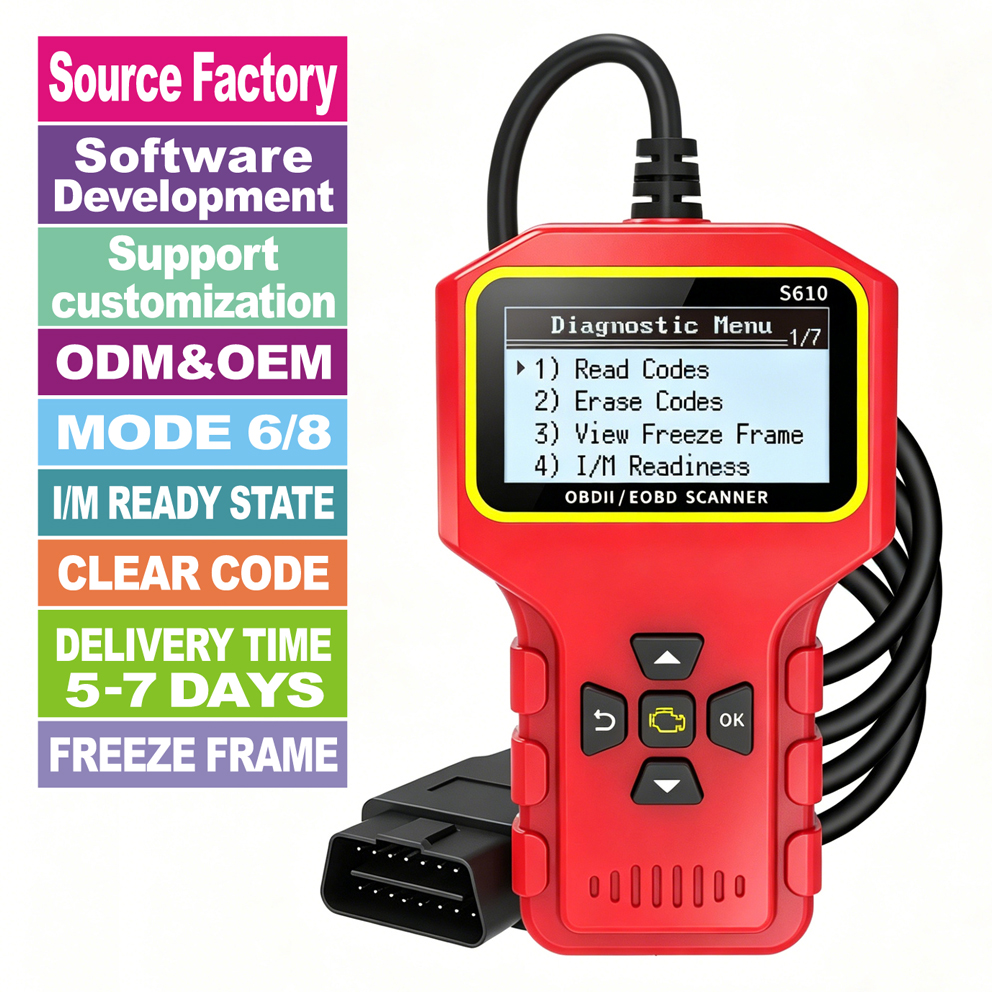
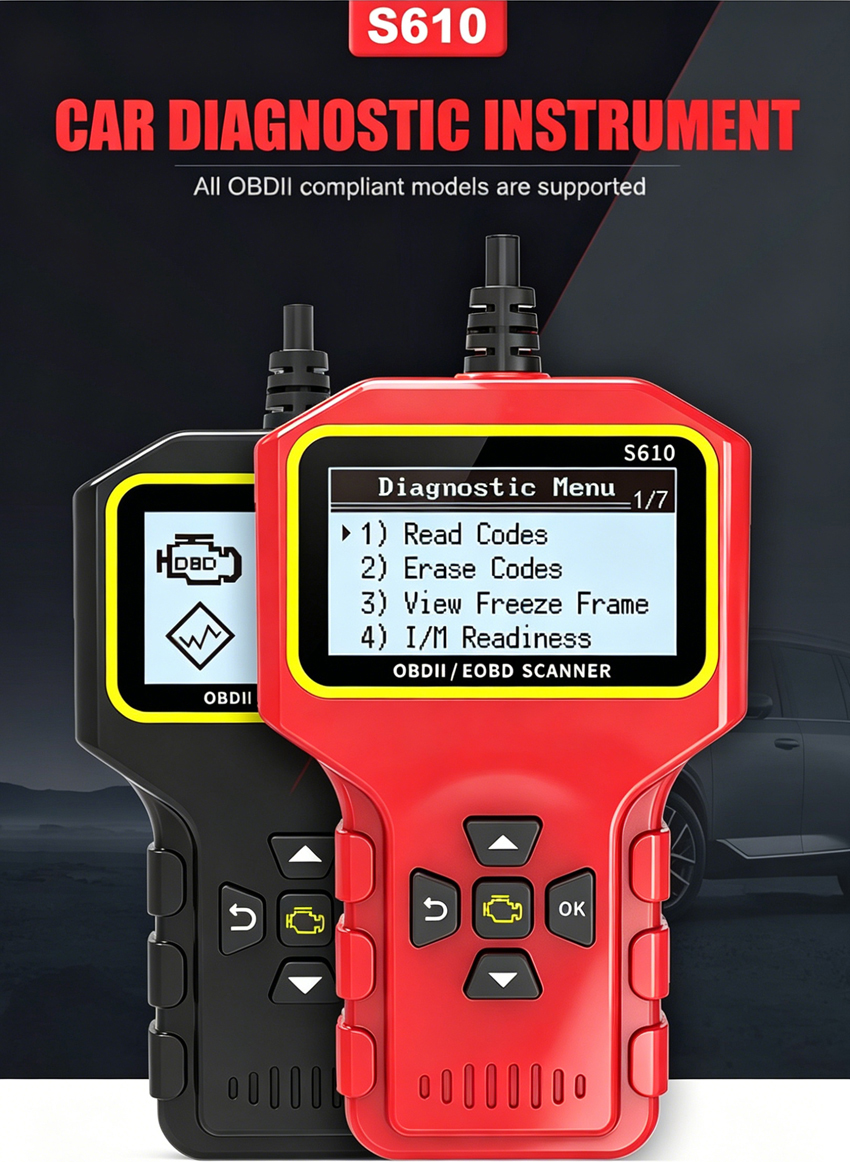
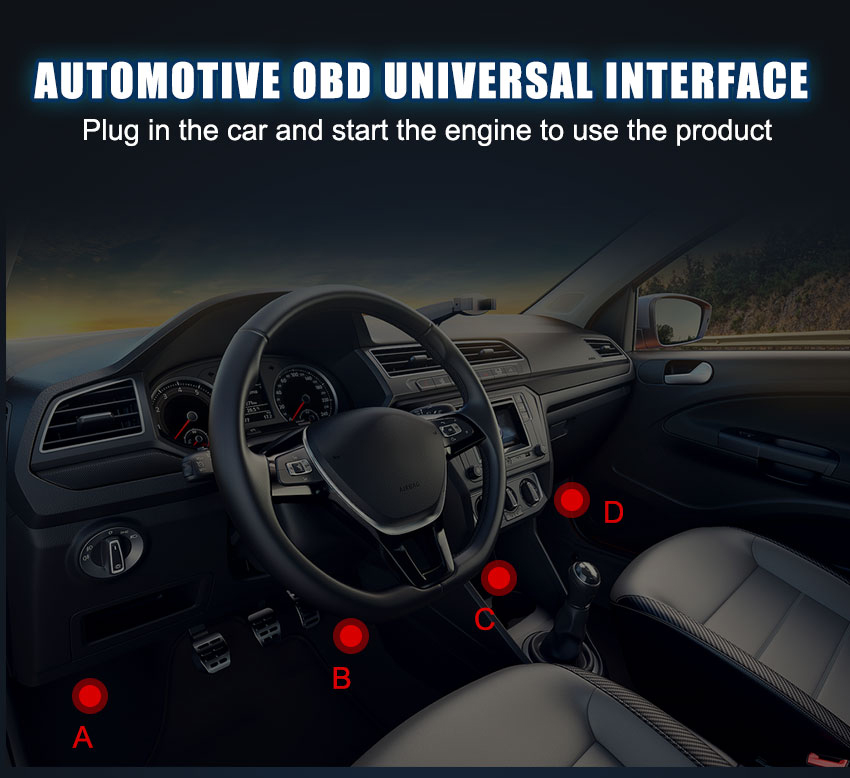
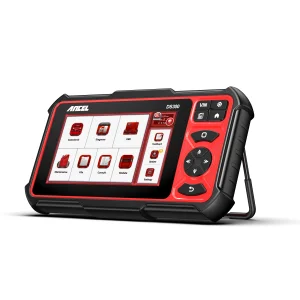
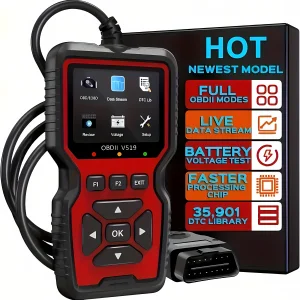
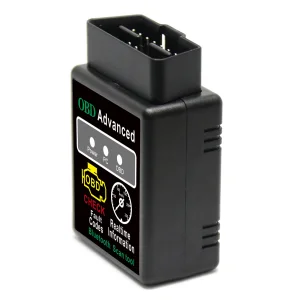
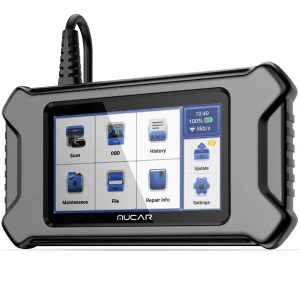
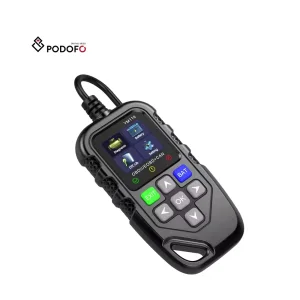
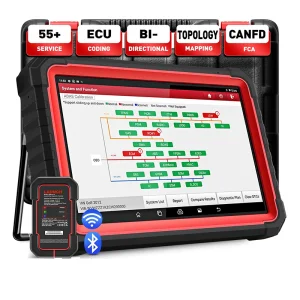
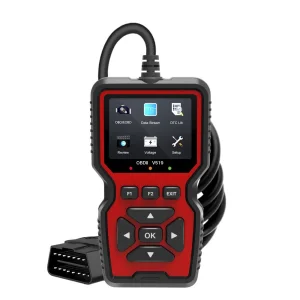
Connect the code reader’s plug to the vehicle’s OBDII port.
Turn the ignition on. DO NOT start the engine.
The code reader will then automatically link to the vehicle’s computer.
Refer to the manual for details.
Q:Why does the scanner’s screen not turn on?
A: Check the fuse for the OBD port in the vehicle’s fuse box. Usually, it’s the same fuse as the cigarette socket. If the fuse is blown, there will be no power for the OBD port, so the scanner cannot be powered on.
Q:Does the scanner support Air Bag, ABS, Brake, Suspension, Oil Service, Maintenance Reset or Battery Registration?
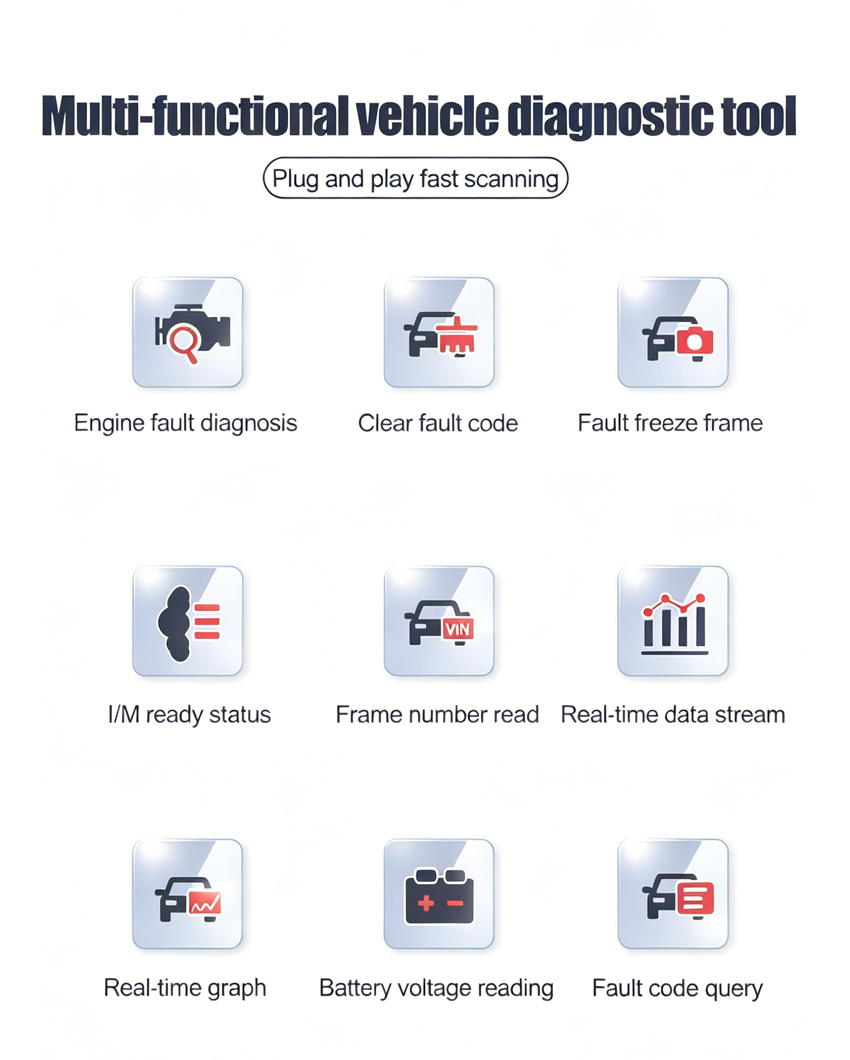
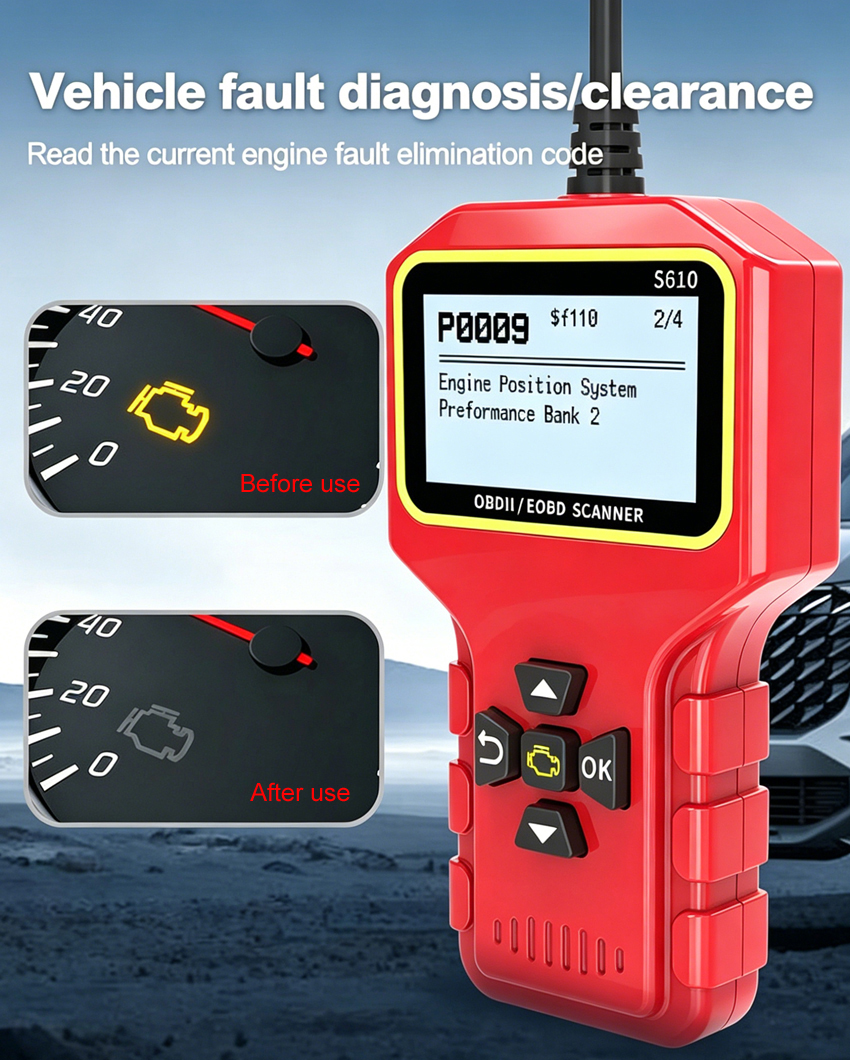
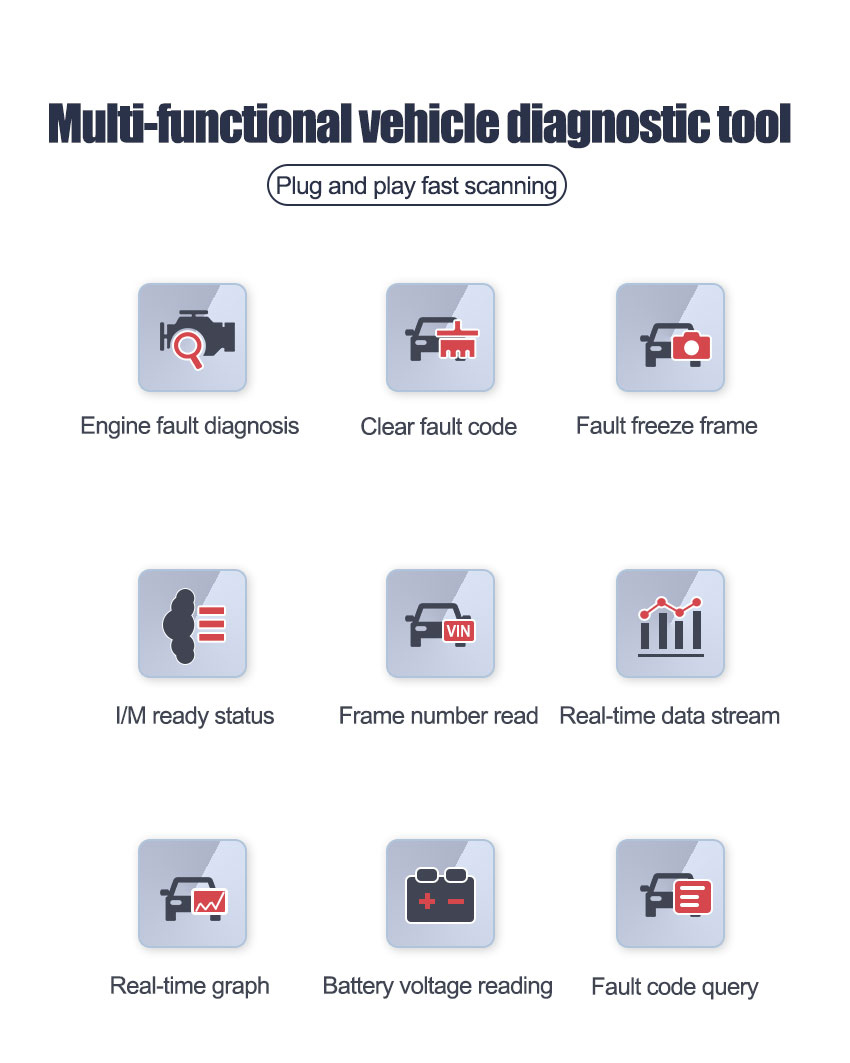
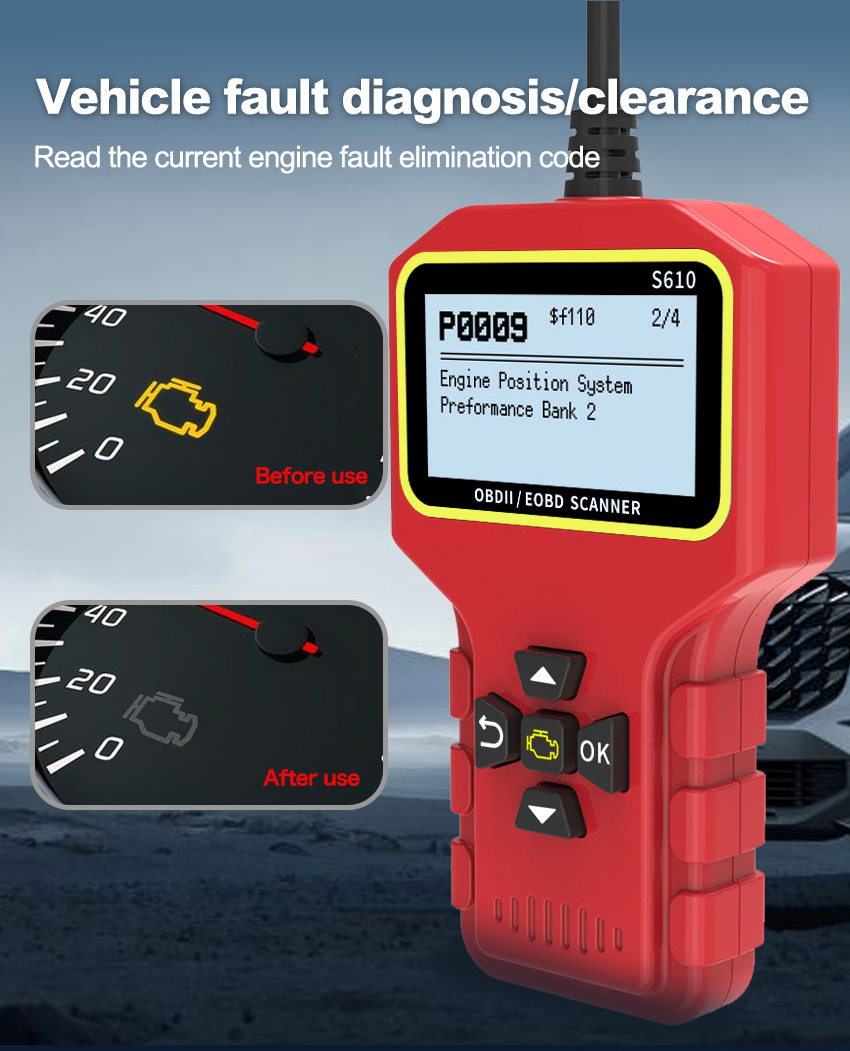
A: No. It can only scan the vehicle’s engine system and emission system, detecting the engine fault by displaying the fault code and erasing the fault code after the engine problem is fixed.
Q:Why does the scanner not read the VIN (Vehicle Identification Number)?
A:
Due to the different vehicle makers and models, some vehicles’ VIN may not be able to be read by the scanner. A professional vehicle maker’s scanner is needed.
The vehicle’s computer may be blocked or revised before on purpose.
Q:What are the vehicle brands that the scanner supports?
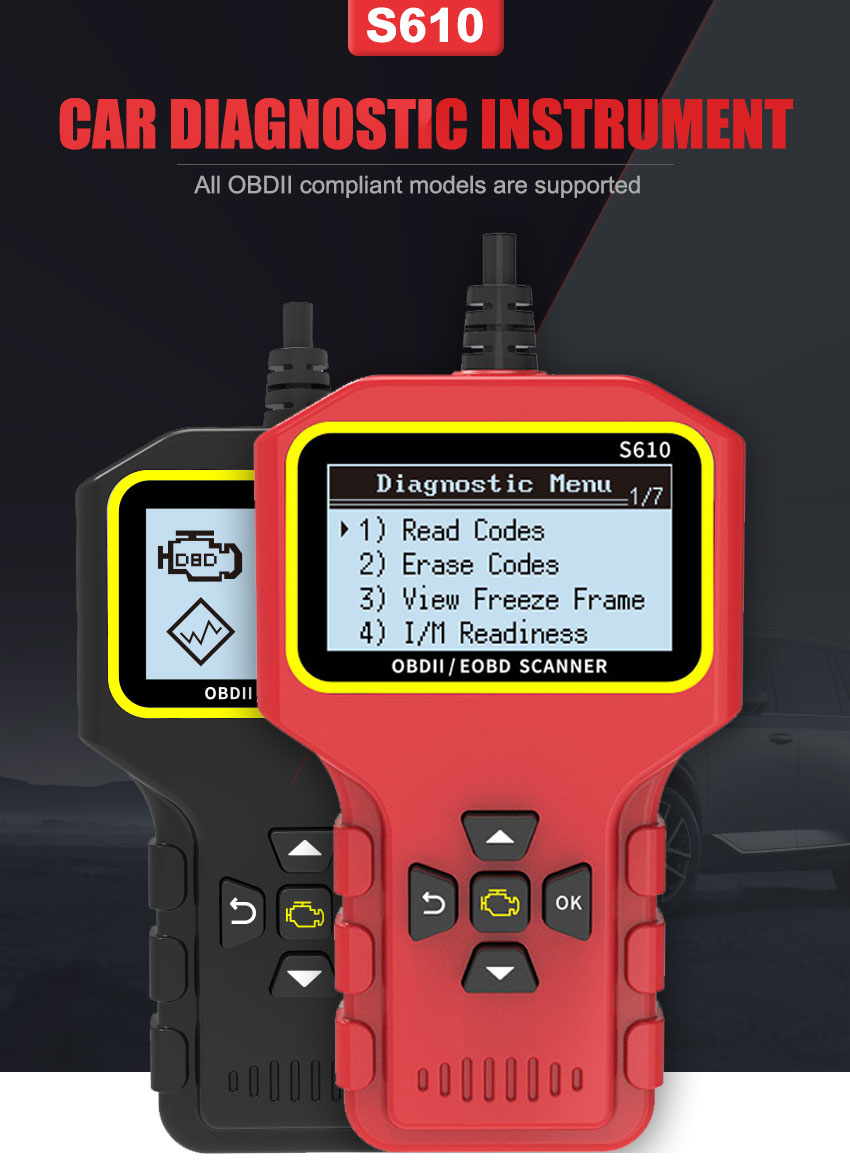
A: Theoretically, it works with most 1996 US-Based, 2000 EU-Based and Asian cars, and newer OBD II & CAN domestic or import vehicles. But due to the datalink problem with the ports, it may fail to connect with some vehicles in some circumstances.
 Manata Scanner