Manata Scanner
1 / 5
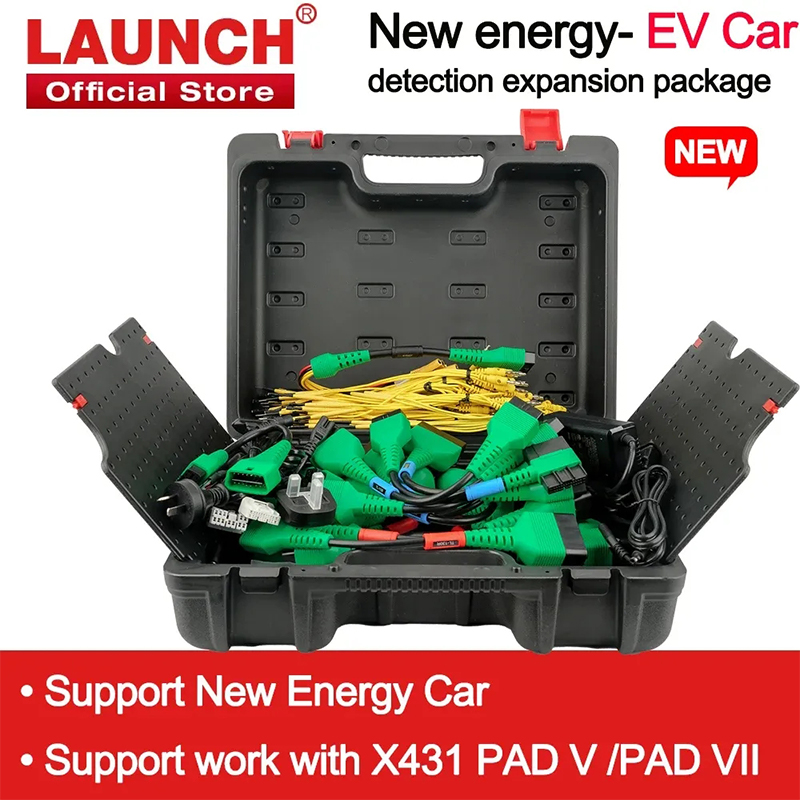
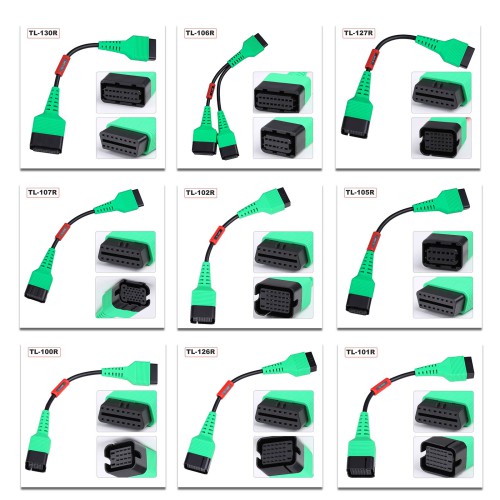
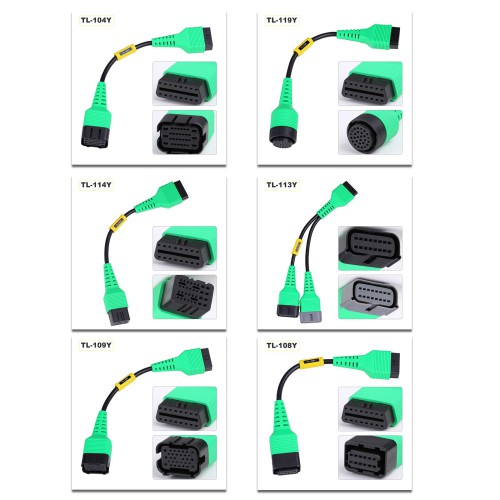
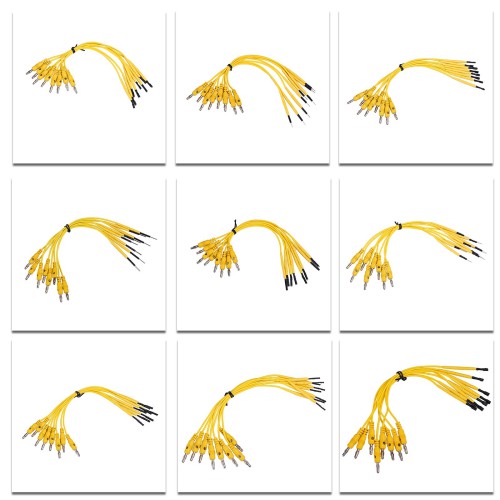
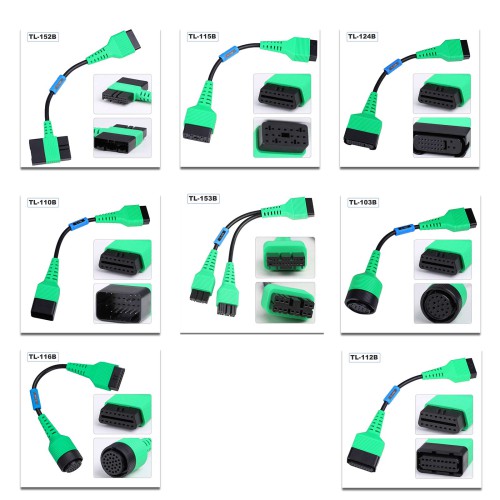
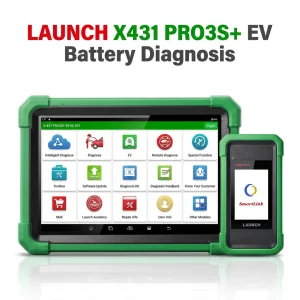
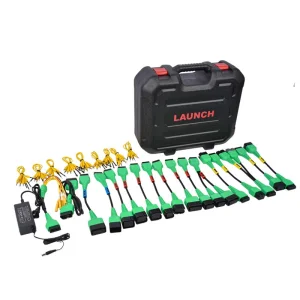
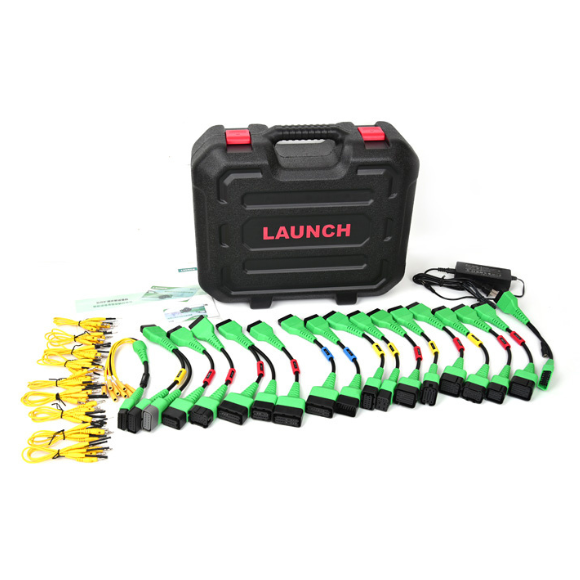
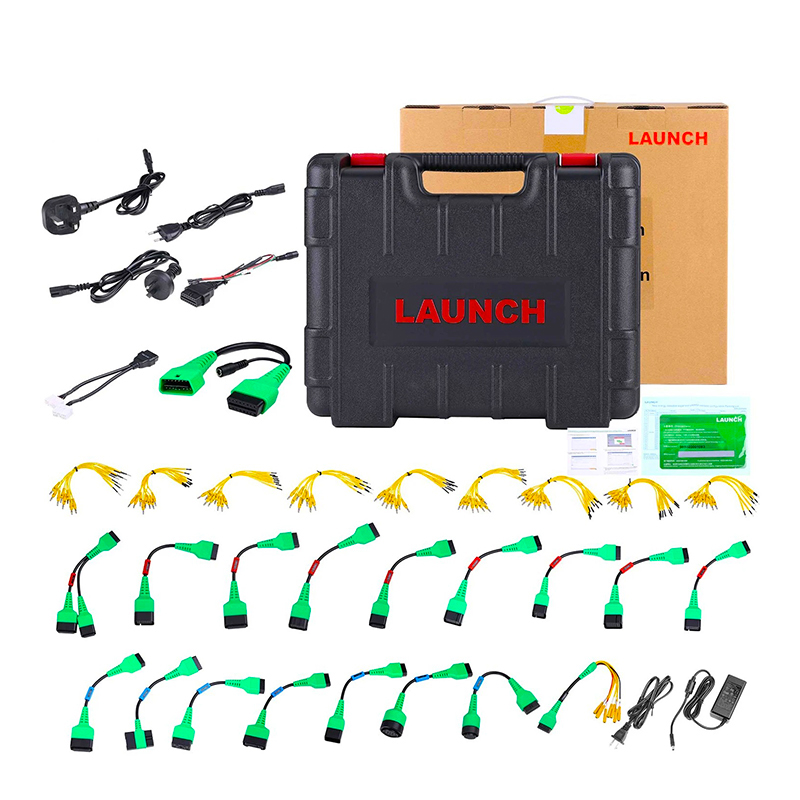
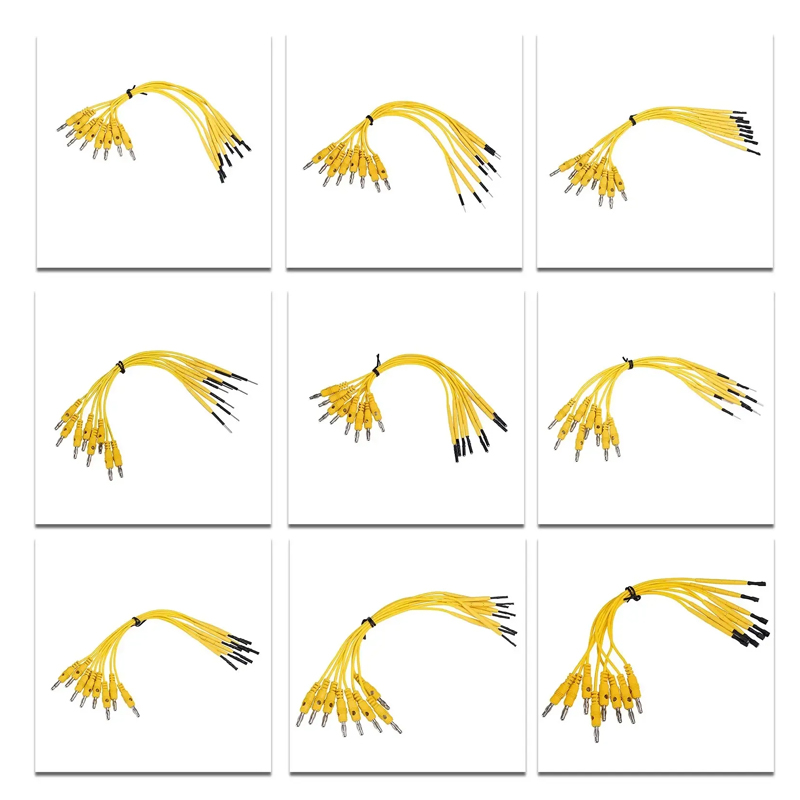
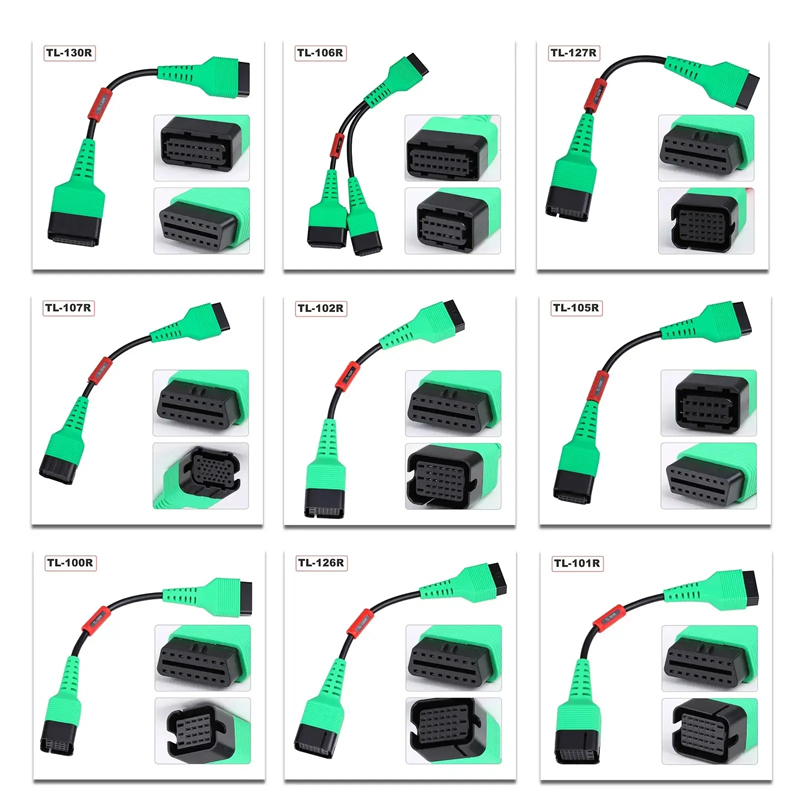
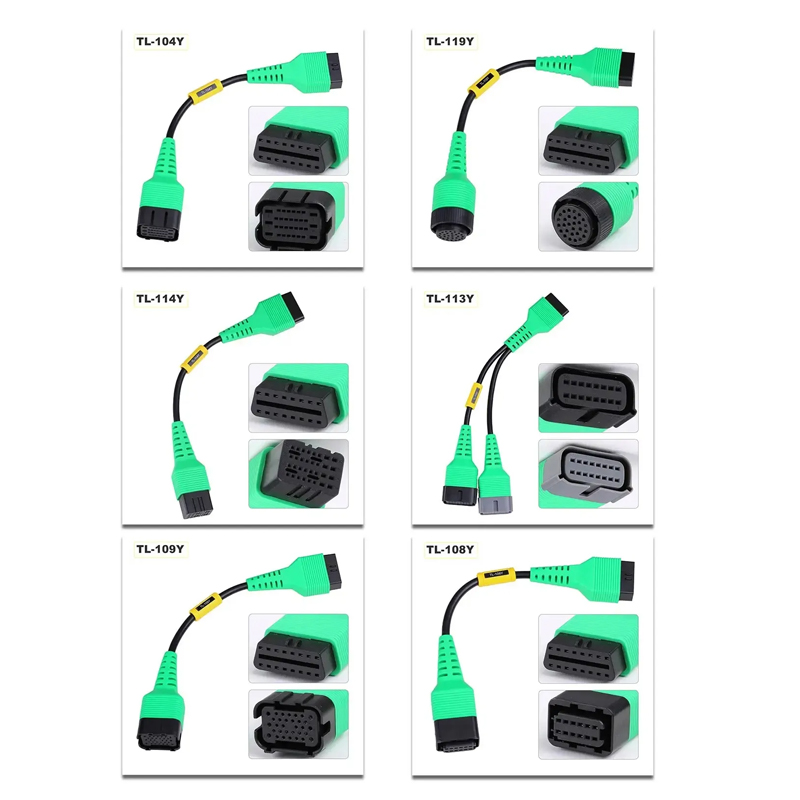
The Launch X431 new energy battery Diagnostics Upgrade Kit includes an activation card and adapters for specific electric vehicles to perform comprehensive battery pack analysis. This battery package is fully compatible with the X431 PAD V and PAD VII.
Use the Launch EV Diag Upgrade Kit (EV DIAGKIT) to diagnose battery pack State of Charge (SoC) and State of Health (SoH) on Tesla, BYD, and many other electric vehicles.
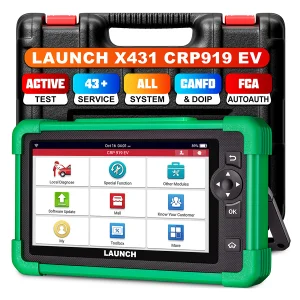
LAUNCH X431 EV Diagnostic Upgrade Kit + Activation Card is compatible with: X431 PAD V, PAD VII, X-431 PRO3 V+ 5.0, X-431 PRO3 (PRO3S+ V5.0), X-431 PRO3 ACE, X-431 PRO3 APEX, and other 10-inch X431 PRO Series Tablets.
* Please ensure the X431 tablet application is updated to the latest version.
Designed to expand your diagnostic capabilities, the kit provides dedicated adapters and software licensing to diagnose electric vehicle systems and perform specialized battery pack assessments. Includes one year of software updates.
1. Ensure you have purchased the new energy battery pack diagnostic configuration for your scanner and received the Activation Card along with the diagnostic adapter cables.
2. Choose either of the following methods to activate it on your diagnostic scanner.
Step 1: Update the main diagnostic application to V7.03.025 (for X-431 PAD V) / V7.00.021 (for X-431 PAD VII) or above. A new module "New Energy Diagnose" will appear on the Job menu.
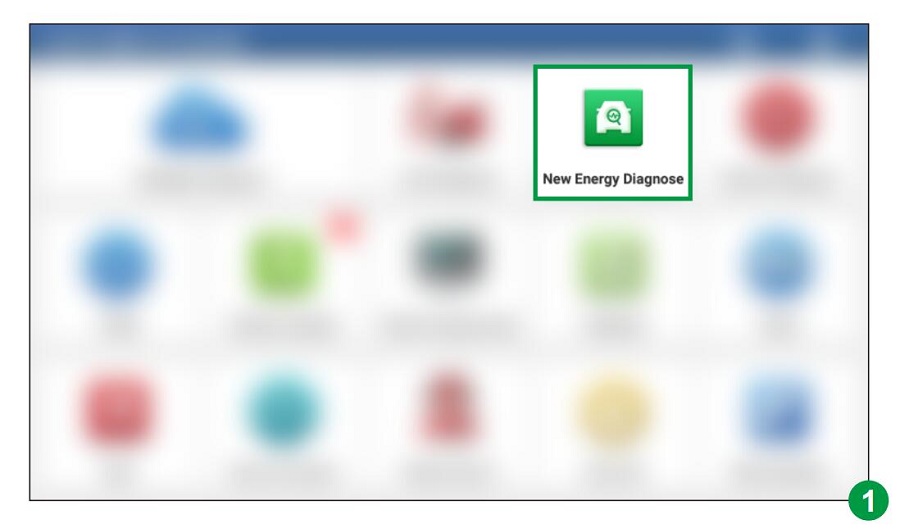
Step 2: Tap "New Energy Diagnose" to enter the diagnosis interface.
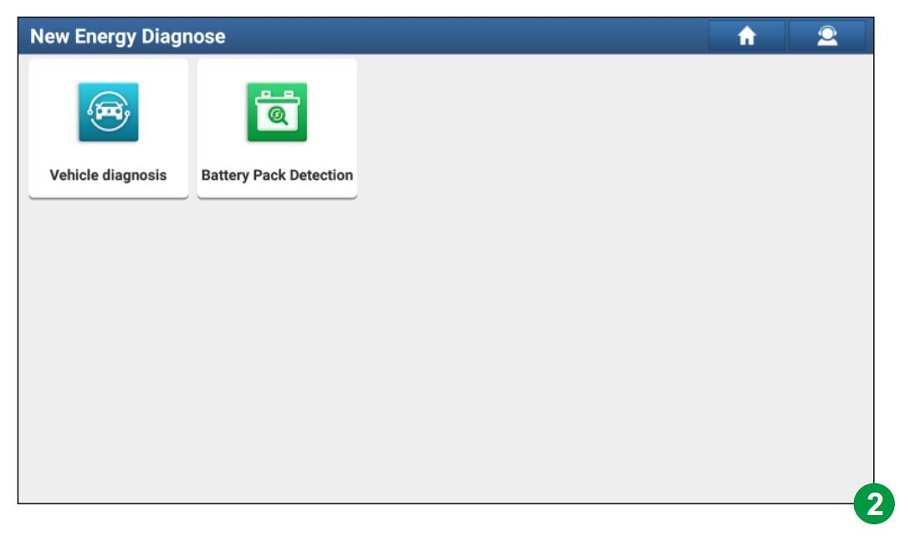
Note: Vehicle Diagnosis covers all new energy vehicle diagnostic software included in the original product configuration.
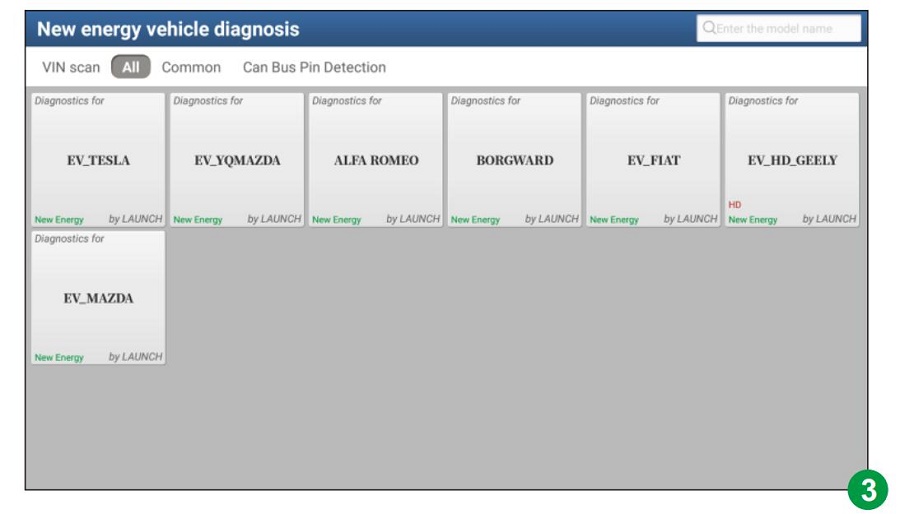
Step 3: Tap "Battery Pack Detection". The system will identify the activation status of the user account:
A. If not activated: The screen will navigate to the Mall module. Tap "Subscription Renewal Card Pay" and enter the 24-digit password to activate. Once activated, go to "Software Update" to download the battery pack diagnostic software.
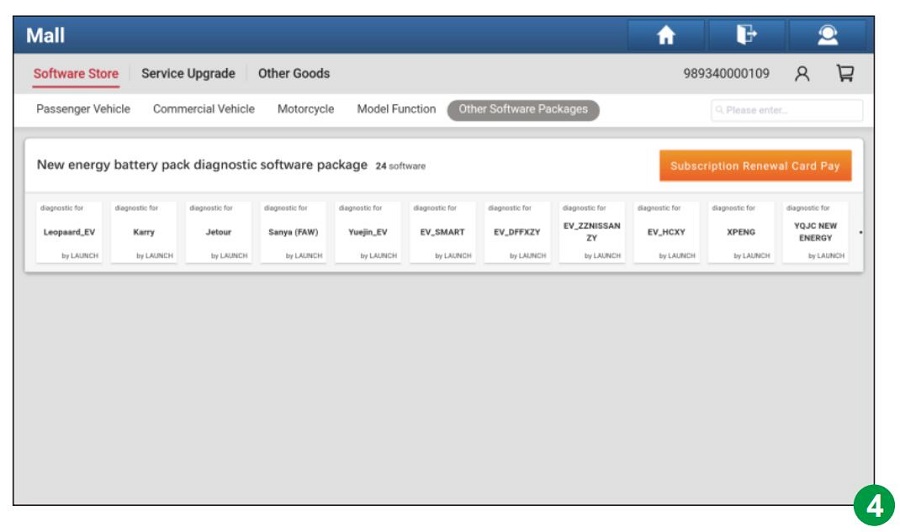
B. If activated but not downloaded: The app will redirect to "Software Update" to start download.
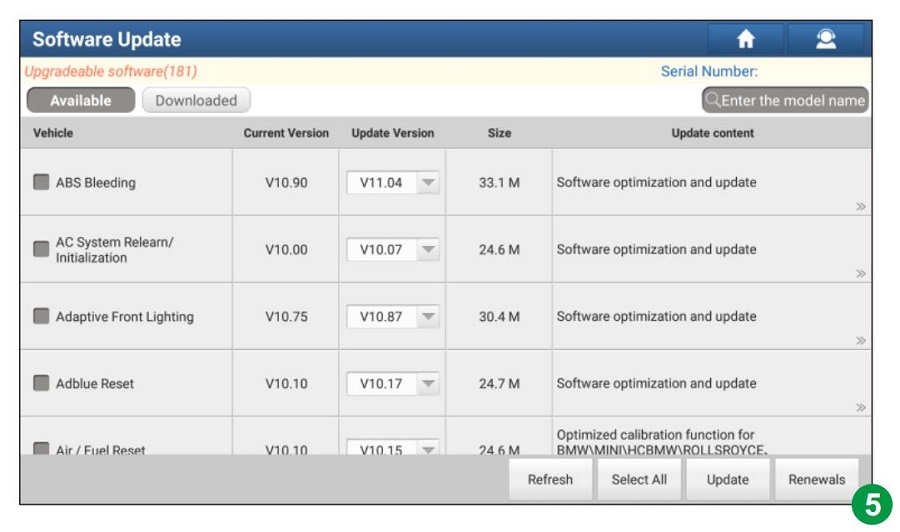
C. If activated and downloaded: The screen will redirect to the battery pack brand selection menu.
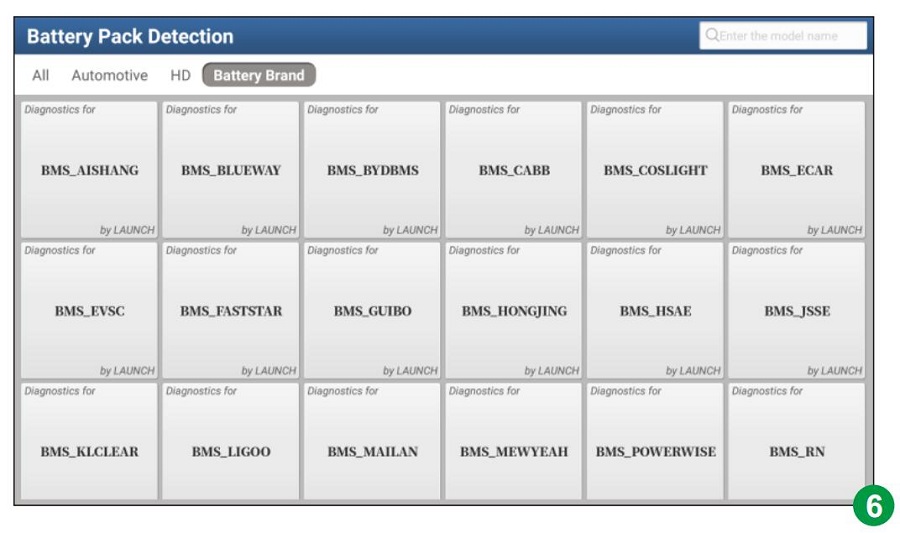
Step 1: Update the main diagnostic application to V7.03.025 or above, then tap "Mall" on the Job menu.
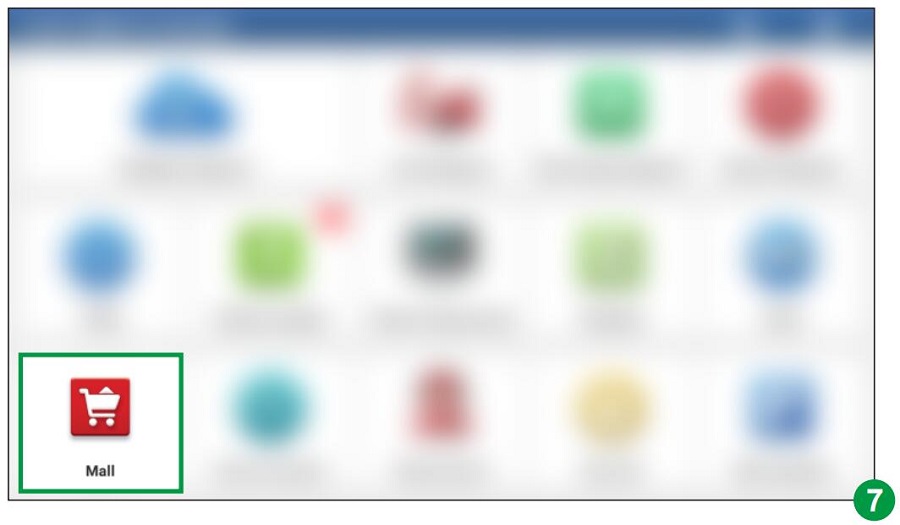
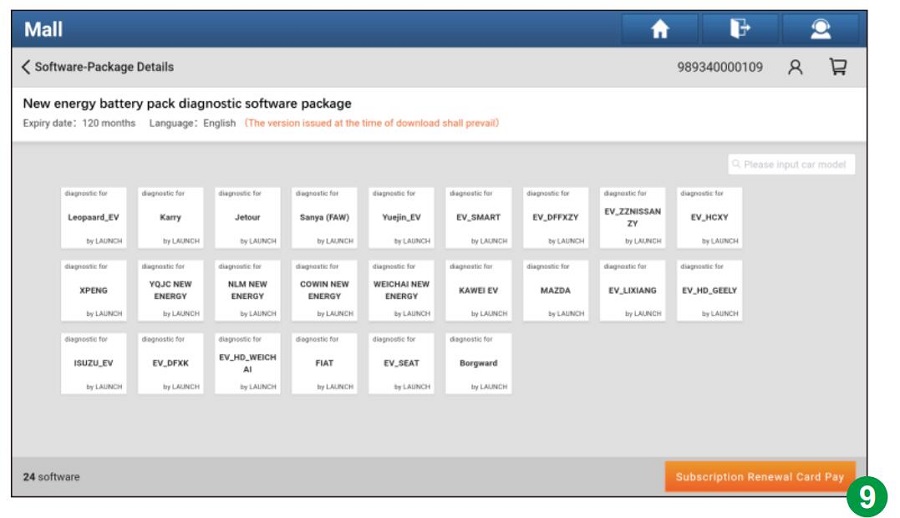
Step 2: Tap "Other Software Packages", then select "New energy battery pack diagnostic software package".
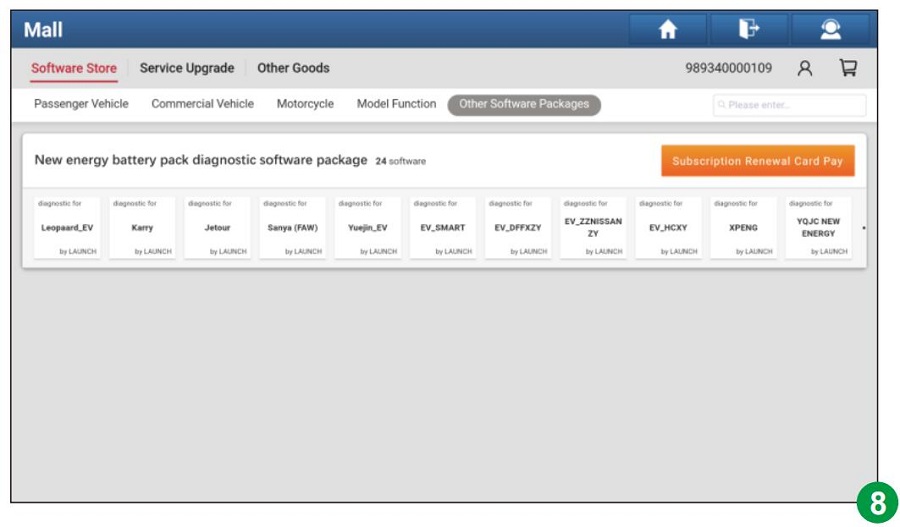
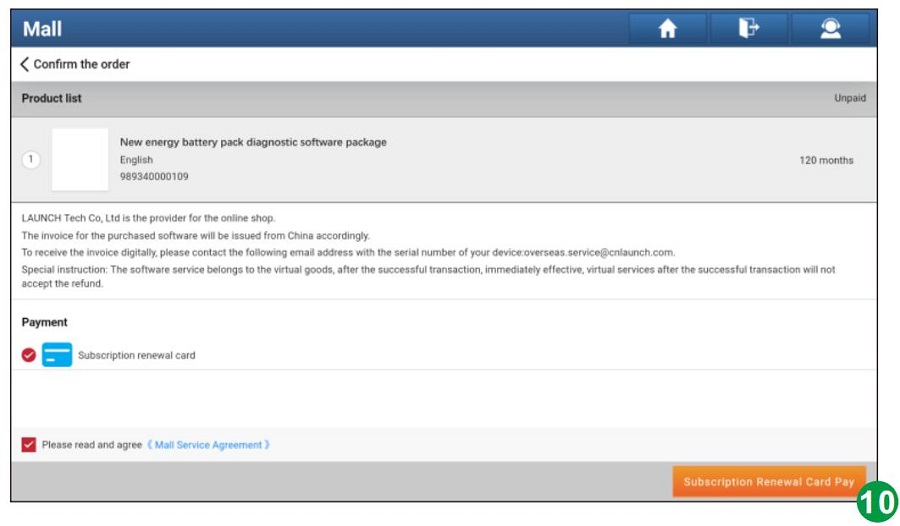
Step 3: Tap "Subscription Renewal Card Pay".
Step 4: Enter the 24-digit password and tap "Confirm" to activate.
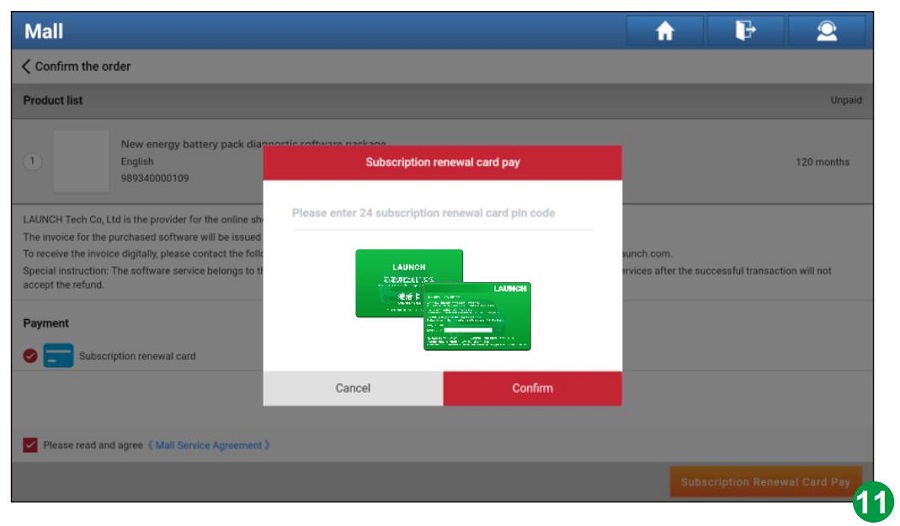
Step 5: After successful activation, go to "Software Update" to download the battery diagnostic software.
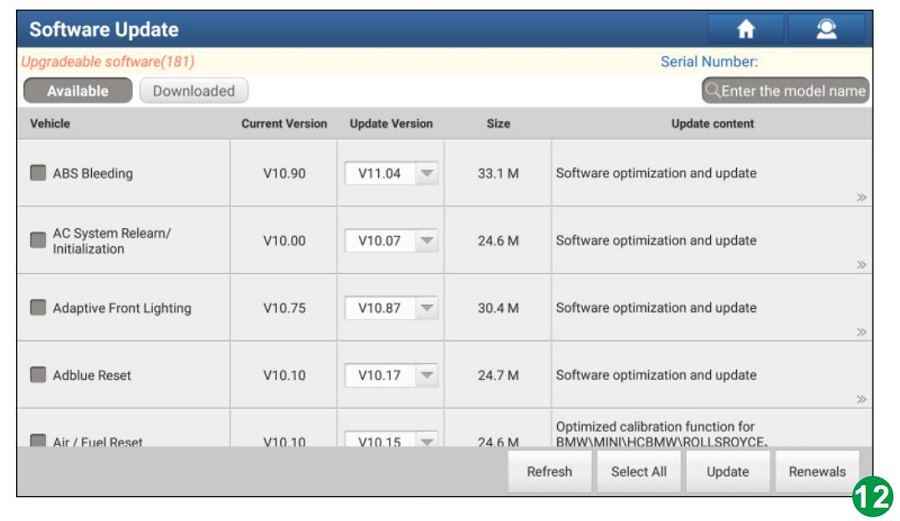
Step 6: Once the download is complete, tap "New Energy Diagnose" followed by "Battery Pack Detection" to enter the battery pack brand selection screen.