KT200 Full Function ECU Programmer for Engine and Gearbox Computer Fault Shielding

Product Description

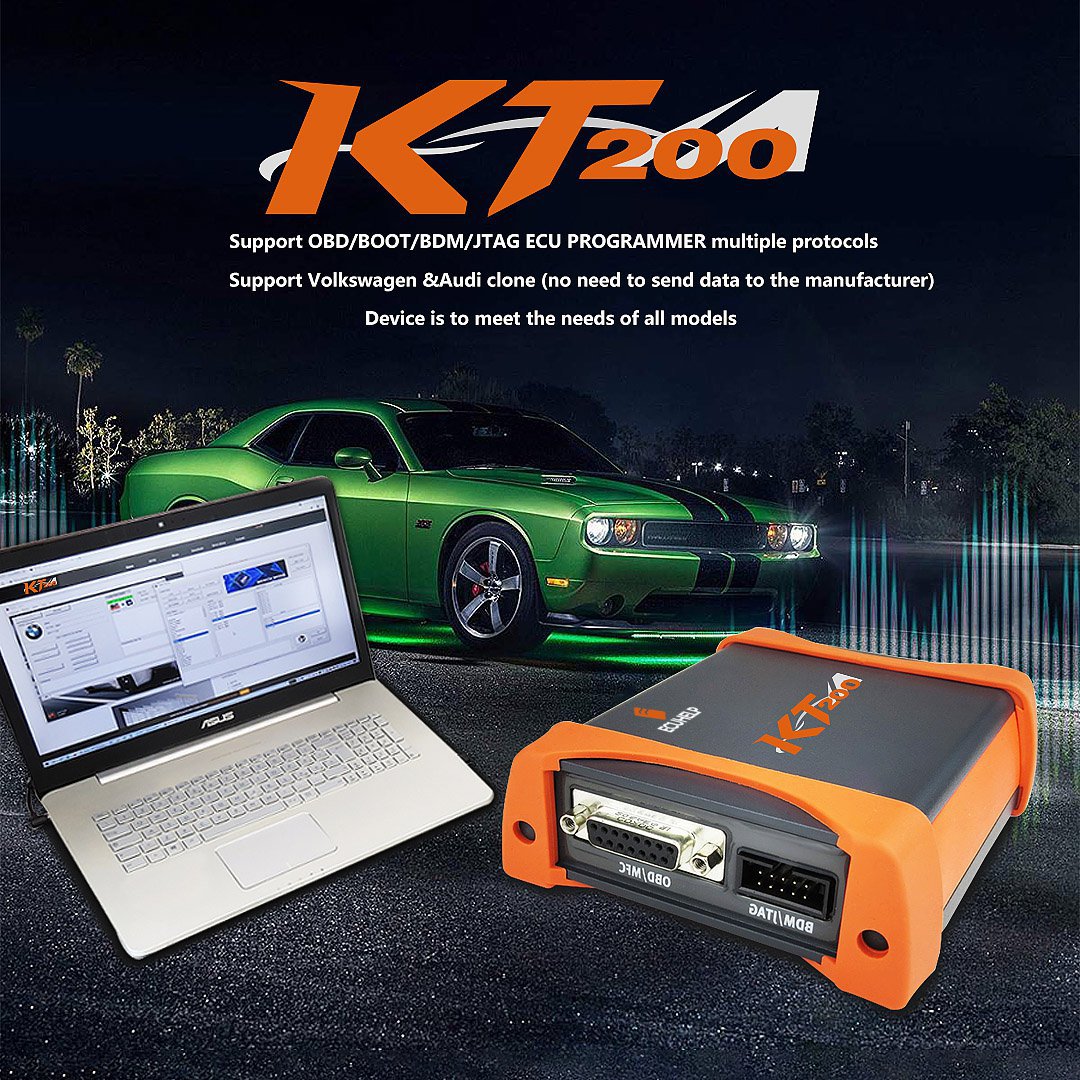
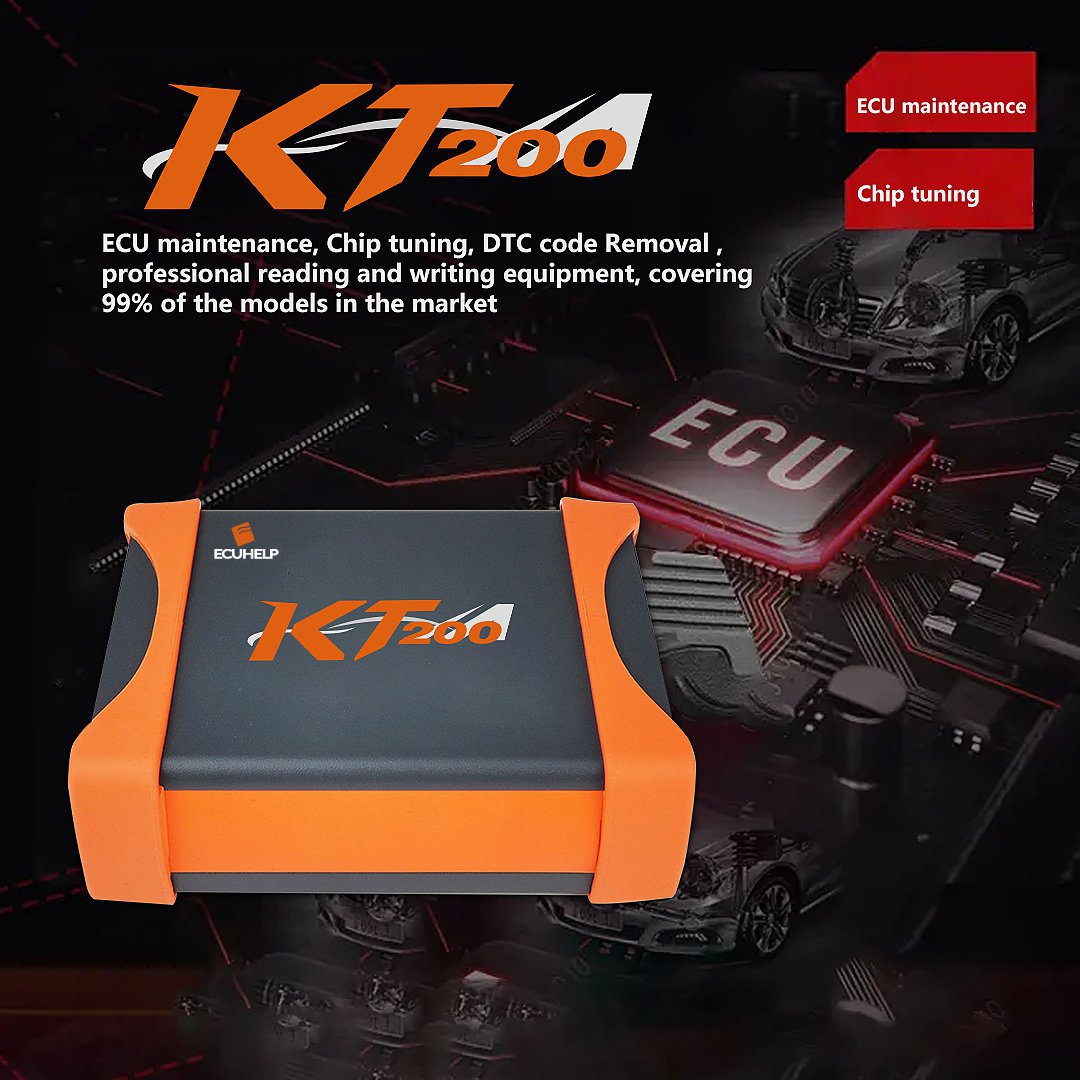
ECUHELP KT200 ECU Programmer Full Version Support OBD / on Bench / in Boot Jtag

ID NO.: CTE053-B1

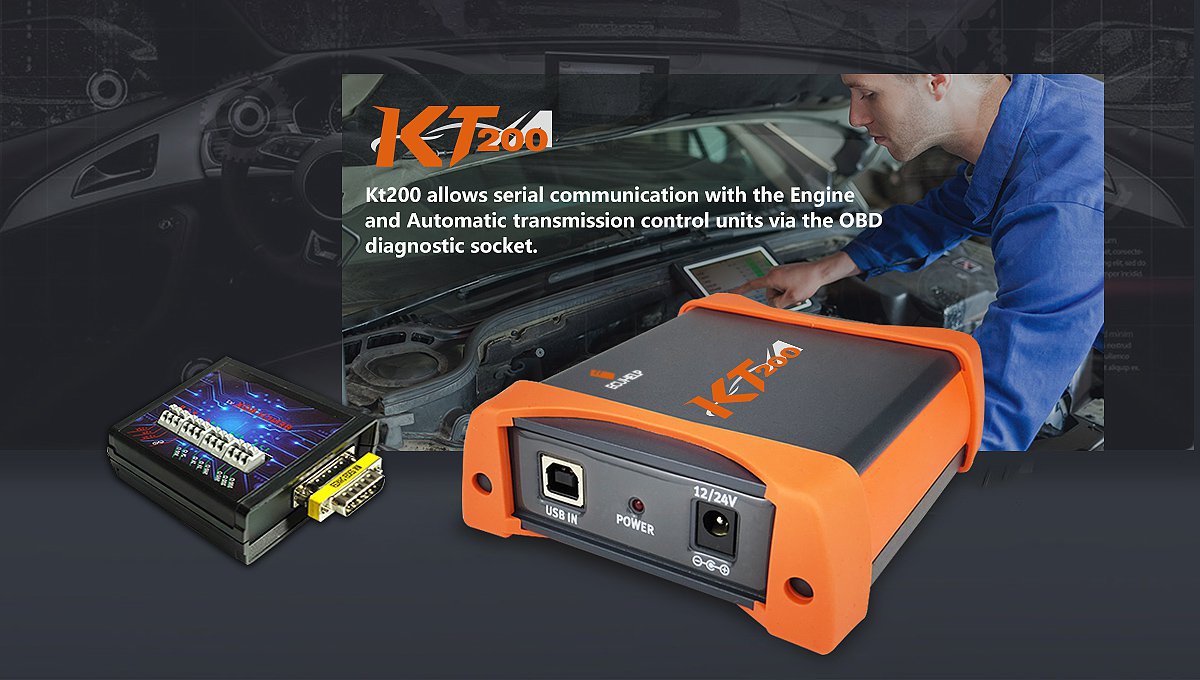
The KT200 ECU Programmer Full Version offers extensive capabilities, supporting Car OBD, Truck OBD, Tractor OBD, Boat OBD, Motorbike OBD, Full System, BDM/JTAG, TOOL BOOT, Bench Mode, and TCU Gear operations.
KT200 Full Function ECU Programmer for Engine and Gearbox Computer Fault Shielding KT200 Full Function ECU Programmer for Engine and Gearbox Computer Fault Shielding

Product Highlights

  • Shipment details: Dispatched from regional warehouses with no additional customs duty.
  • Online Functionality: Designed for online operations with a stable internet connection. An optional offline dongle is available for offline usage.
  • Multi-Language Interface: Supports Italian, English, Dutch, French, Spanish, Polish, Portuguese, Czech, Romanian, and Turkish.
  • User-Friendly Setup: No activation or registration is required.
  • Hardware Compatibility: Can be used on multiple computers without limitations. Suitable for Windows 7, 8/8.1, 10, and 11. (Minimum recommendations: CPU > 2.5 GHz Intel i5/i7, RAM > 8GB).
  • Updates & Files: Features free online software updates with no annual subscription fees. Free VR and Damaos file access is included.

Key Functions

  • Read and write ECU data in unencrypted BIN format for unrestricted modification and cloning purposes.
  • Forced write (forced clone) capabilities without checksum verification. Supports forced read/write operations on unsupported chips.
  • Covers ECU maintenance, chip tuning, DTC removal, and professional read/write operations for 99% of vehicle models.
  • Supports local cloning of VAG (Volkswagen/Audi) models without transmission of manufacturer data.
  • Full read/write capabilities for TCU (Micro + EEPROM) including cloning and coding functions.
  • Broad support covering over 5,400 ECUs and 500 TCUs.
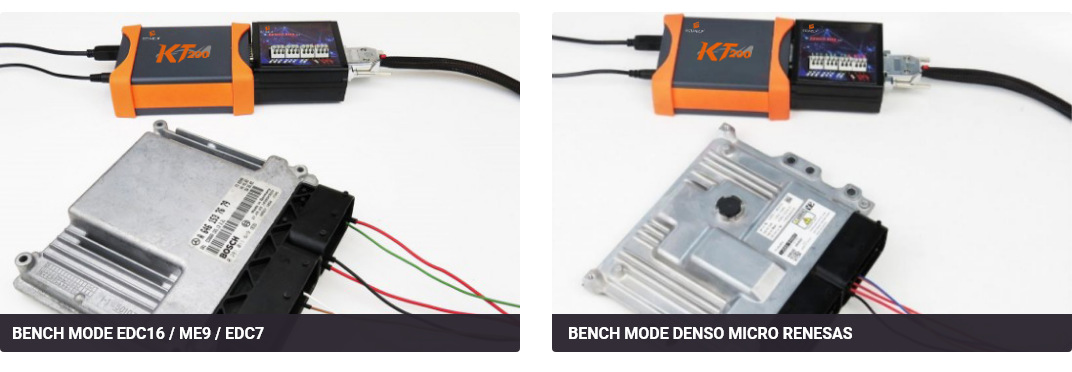
  • Bench Mode pins support direct Audi/VW ECU cloning, alongside Bench Mode read/write support for Bosch EDC17, MED17/ME17, and Siemens PCR2.1.

Software Coverage

The KT200 Full Version Package includes 10 active licenses: Car OBD, Truck OBD, Tractor OBD, Boat OBD, Motorbike OBD, Full System, BDM/JTAG, TOOL BOOT, Bench Mode, and TCU Gearbox.
KT200 Full Version License Coverage

Supported Brands & Categories

Compatible ECU Brands

Bosch, Marelli, Siemens, Ford, Delphi, Denso, Transtron, Adem, Delco, Continental, Motorola, Valeo, Sagem, Johnson Valeo, Visteon, Fomoco, Phoenix, Temic, Deutz, SISU, Mitsubishi, TRW, Hitachi, Trionic, Mems, Lucas, and more.

Vehicle Segment Coverage

  • Passenger Cars: Covering major European, German, French, Italian, Japanese, American, and Chinese brands including Audi, BMW, Mercedes-Benz, Ford, Toyota, Honda, Hyundai, Kia, Porsche, Renault, Volvo, Peugeot, Lexus, and more.
  • Trucks: Astra, DAF, Faw, Fendt, Hino, Isuzu, Iveco, Kamaz, Mack, MAN, Renault, Scania, Volvo Truck, and others.
  • Tractors & Excavators: John Deere, Case, Bobcat, Caterpillar, Claas, Deutz, Fendt, JCB, Kubota, Massey Ferguson, New Holland, Valtra, Yanmar, etc.
  • Motorbikes: Aprilia, Benelli, BMW, Ducati, Harley Davidson, KTM, Moto Guzzi, Suzuki, Yamaha, and more.
  • Marine: Volvo Penta, Yanmar Engine, Sea Doo, SISU Engine, Iveco Marine.

Supported ECU Reference Examples

Bench Mode (Via Pin Out) Full System (Micro/Flash + EEPROM) BDM & JTAG Modes
BOSCH EDC7 / EDC16 / ME9 / MED9
BOSCH MD1 / MG1 (SPC5777 / TC29x / SPC58)
BOSCH EDC17 / MED17 / ME17
SIEMENS PCR2.1 (Unlocking supported)
BOSCH
CONTINENTAL
DELCO
DENSO
MARELLI
SIEMENS
TEMIC
BDM MPC55x / MPC56x
BDM MC32 / ZC32 / HC12 / S12x
JTAG NEXUS MPC / SPC56xx
JTAG NEXUS MPC55xx
JTAG RENESAS:
SH7055 / SH7058 / SH7059 / SH7251 / SH72543 / SH72544
JTAG NEC76F00xx series
BOOT MODE (ST K-LINE/CAN):
ST10F168 / ST10F269 / ST10F273 / ST10F275 / ST10F276 / ST10F280 / ST10F296
BOOT Mode Tricore:
TC1724 / TC1728 / TC1738 / TC1762 / TC1766 / TC1767 / TC1782 / TC1791 / TC1792 / TC1793 / TC1796 / TC1797
BOOT Mode Renesas:
SH7052 / SH7054 / SH7055 / SH7058 / SH7059 / SH7251 / SH72543 / SH72544
BOOT Mode Mitsubishi:
MH7202 / MH7203 / MH8102F / MH8105F / MH8106F / MH8202 / MH8206F / MH8301F / MH8304F / MH8405F
BOOT BAM System:
MOTOROLA SPC5674 / SPC5777
BOOT MODE Fujitsu / Hitachi
KT200 Hardware Bench Mode Diagram

Software Updates & Optimizations

  • Resolved synchronization irregularities across software functions.
  • Optimized server connectivity for faster transmission speeds.
  • Fixed read/write error notifications on select Bench Mode modules (e.g., EDC17 series).
  • Optimized tool checksum verification routines (excluding EDC17 series).
  • Enhanced full system function access and stability.
  • Shortened read/write times for improved efficiency.
  • Improved TCU response times to prevent error logs on specific transmissions.
KT200 Software Interface Optimization

Installation Instructions

  • 1 Download & Unpack: Retrieve the service and installation package, unpack the files, and proceed with the installation.
  • 2 Connect Hardware: Link the hardware device to the PC, access the "Device Manager" utility, and install the device driver manually. Open the service interface.
  • 3 Install Software: Execute the software installation program inside the service tool to download the working software version.
  • 4 Download Wiring Diagrams: Download the dedicated wiring maps via the system tool.
  • 5 Final Setup: Open the software and begin programming operations.
  • 6 Troubleshooting: If the software fails to open, run the "Diagnosis" tool within the service platform.
Important Operation Notices

1. Please disable anti-virus utilities prior to running the installation to avoid false-positive file removals.
2. Continuous internet connectivity is necessary for online software operations.
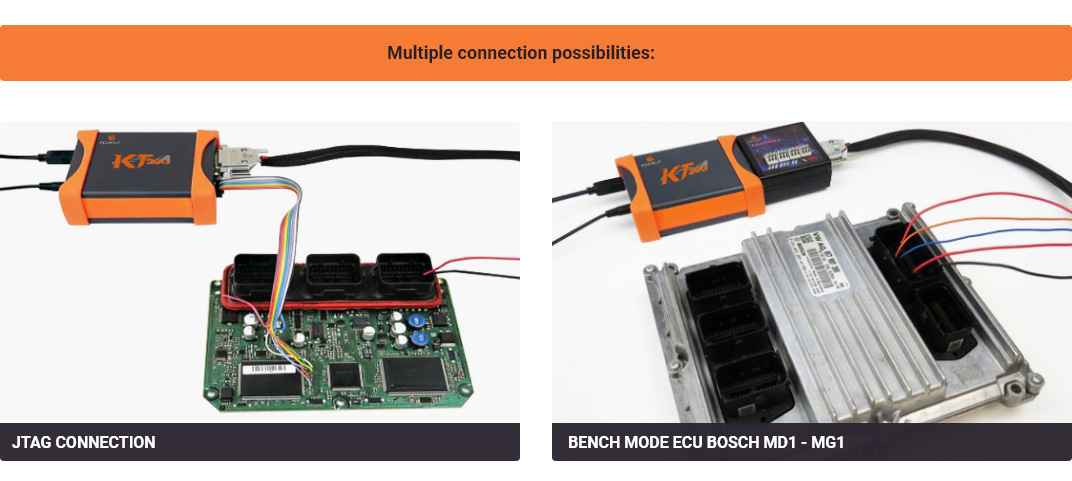
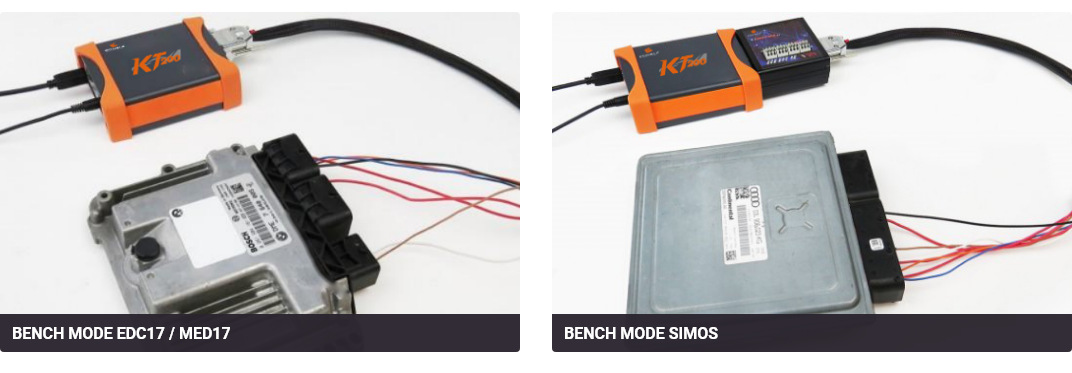
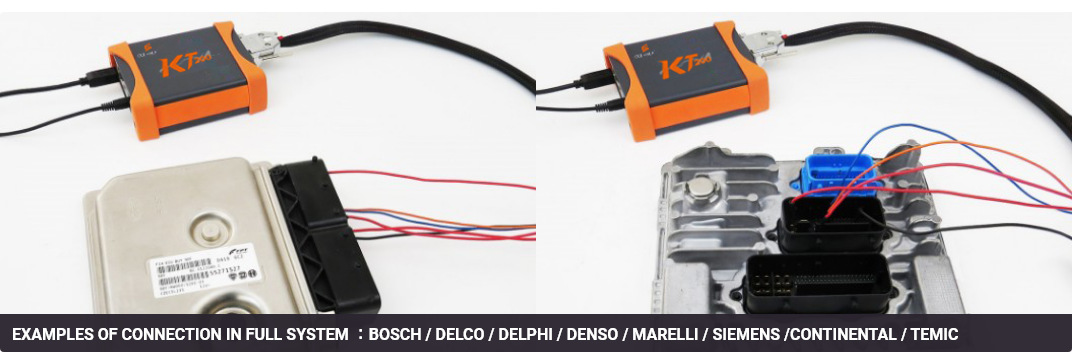
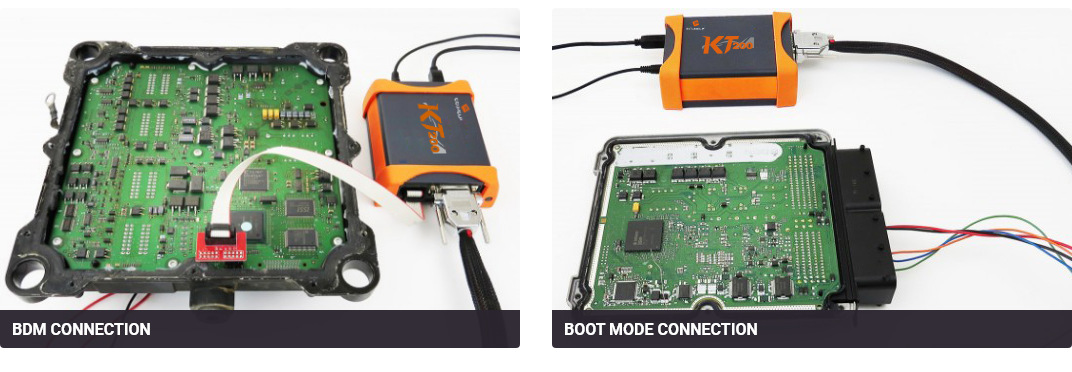
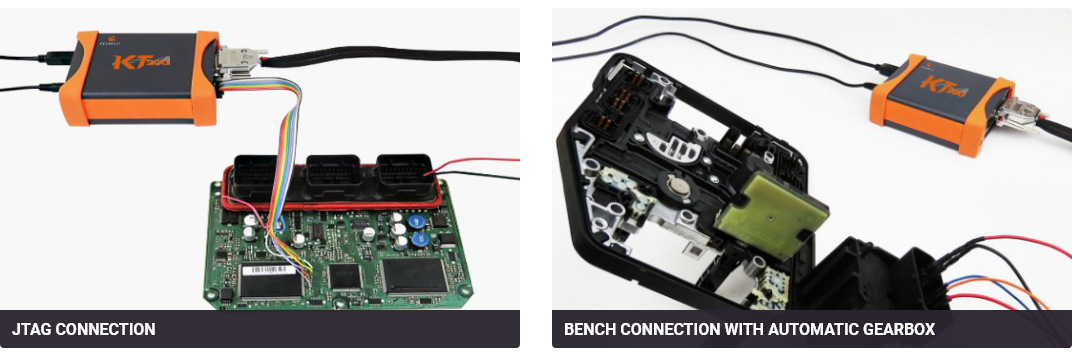
Connection Types & Wiring Examples

KT200 Connection Type A KT200 Connection Type B KT200 Connection Type C KT200 Connection Type D KT200 Connection Type E KT200 Connection Type F

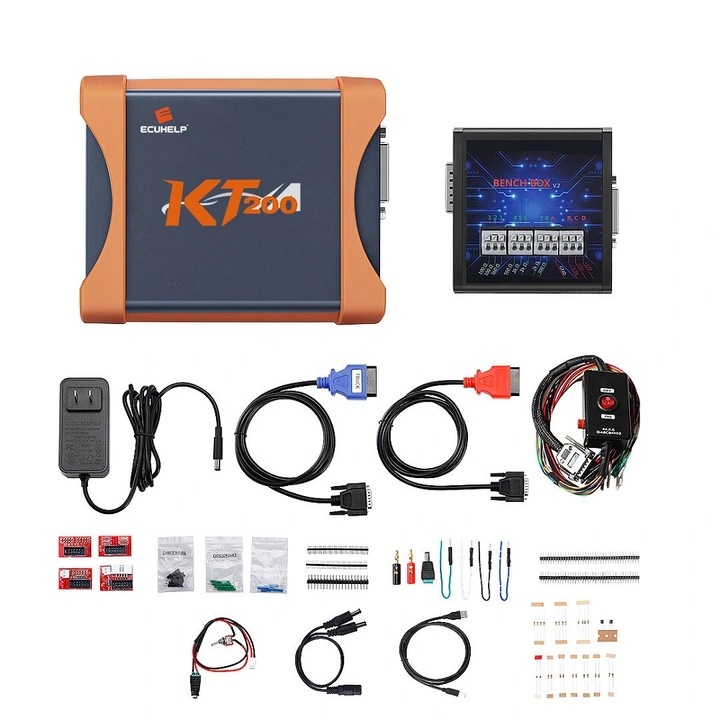
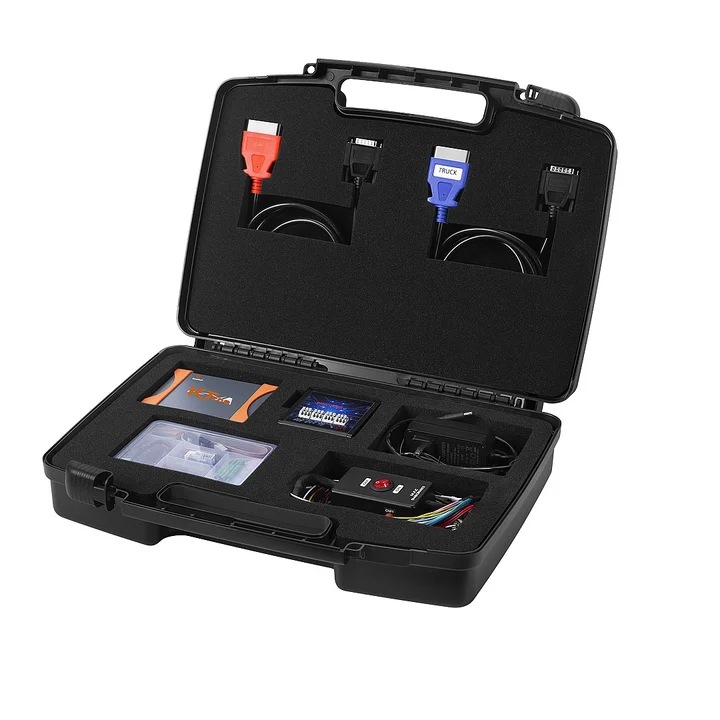
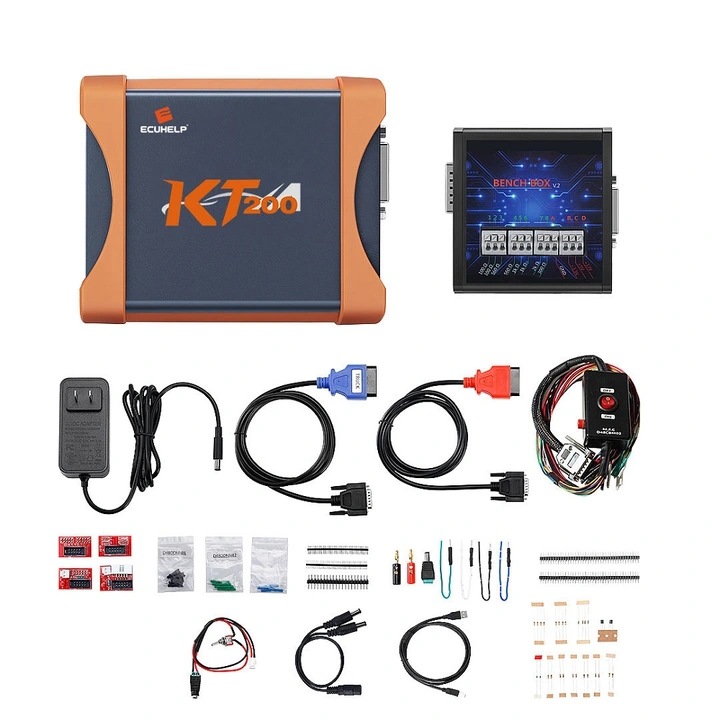
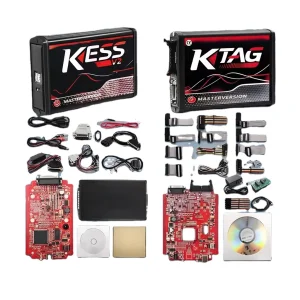
What is in the Package

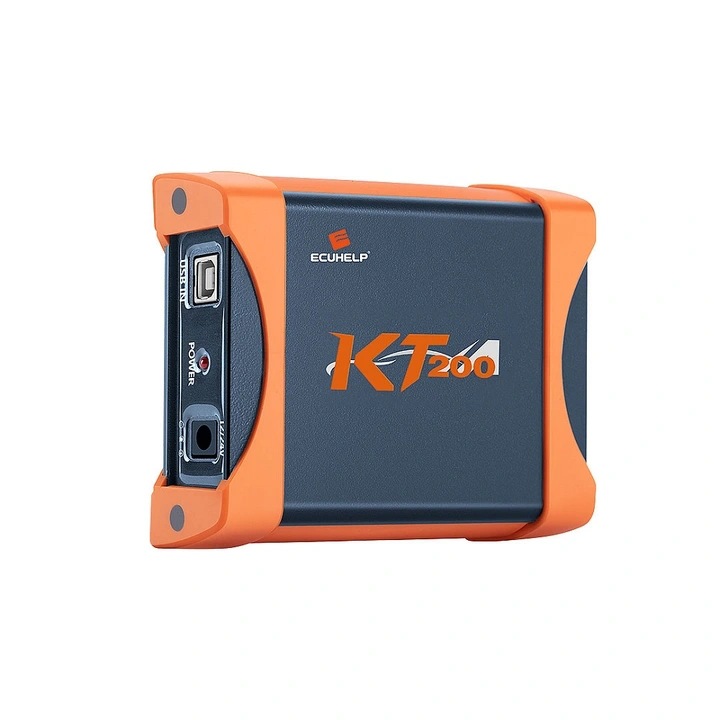
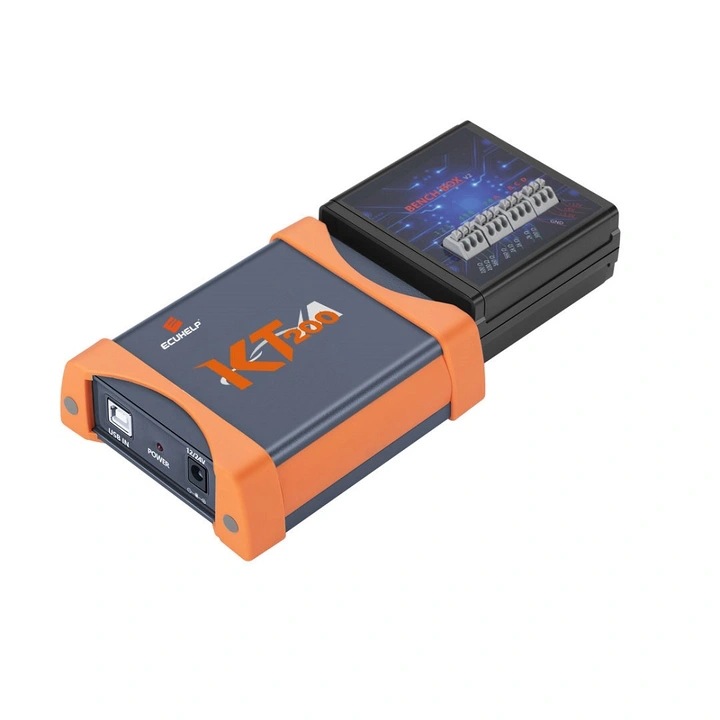
  • 1pc x Master Unit
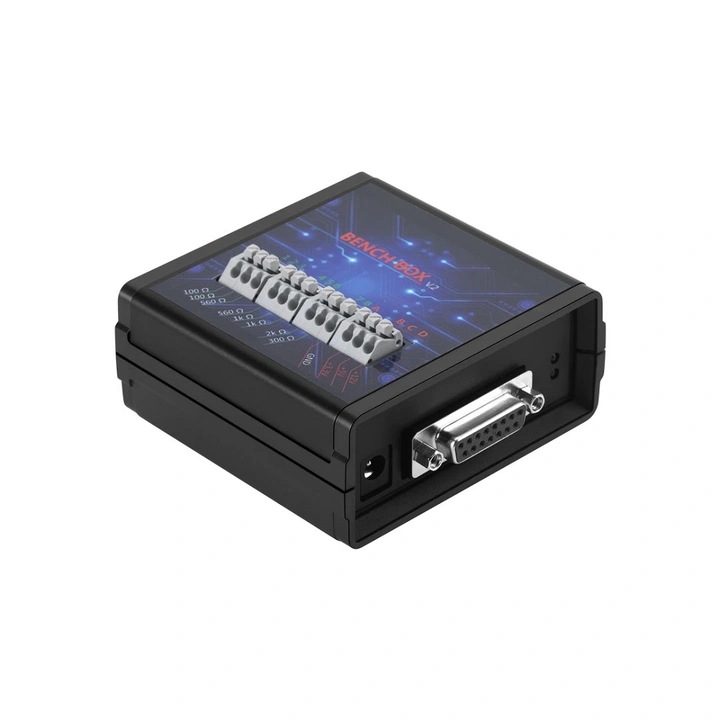
  • 1pc x BENCH box
  • 2pcs x OBD lines
  • 1pc x Pinout line
  • 4pcs x BOM adapters
  • 3pcs x Transfer cables
  • 4pcs x Power wires
  • 1pc x Resistor Set
  • 4pcs x Adapter plugs
  • 5pcs x Power adapters

Technical Specifications

Parameter Detail / Value
Operating System Windows (7, 8/8.1, 10, 11)
Voltage Support 12V
Compatible Vehicle Brand Universal Compatibility (Most passenger cars, trucks, tractors, bikes)
Device Type Engine/Gearbox Analyzer & Programmer
Integration API SDK Available
Warranty Period 1 Year
Default Support Language English (Multi-language pack available)

Packaging & Shipping

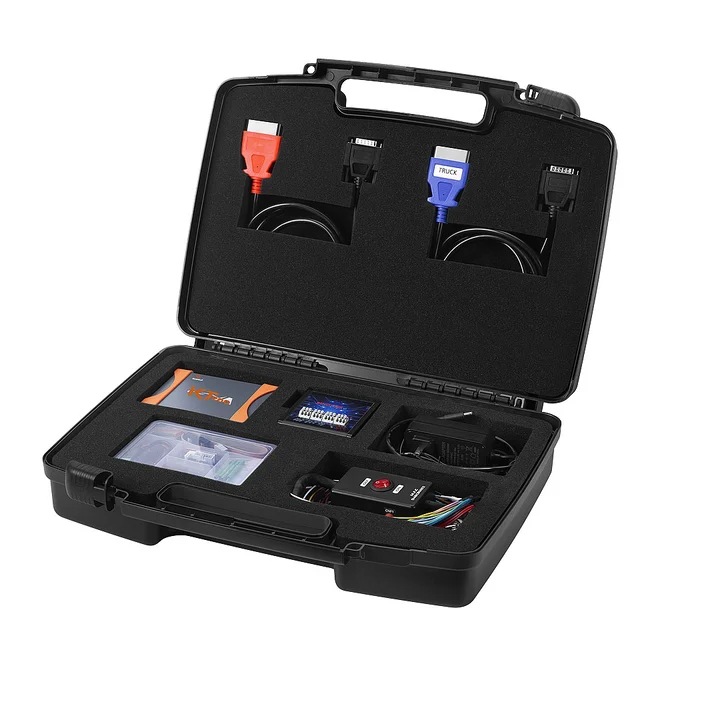
KT200 Protective Suitcase and Packaging Box

Frequently Asked Questions

What products can be purchased here?

We provide various automotive items, including car diagnostic equipment, OBD cables, dash cameras, and specialized interface programming tools.

Are product customization services supported?

Yes, customization options are available. These cover personalized branding designs, specific system user interface settings, and individual outer packaging. Please reach out to our service team to convey your exact requirements.

What payment options are supported?

We support standard payment methods including Western Union, PayPal, T/T (Bank Transfer), and online Trade Assurance procedures.

How long does shipping take?

The average shipping process takes between 7 to 30 days. Standard orders are dispatched promptly, while custom or bulk orders may require additional processing time.

How can I access more competitive pricing tiers?

We provide structural discounts for long-term partners. Please coordinate with our representatives to discuss wholesale pricing plans.

What are the system requirements for the KT200 software?

It supports Windows 7, Windows 8/8.1, Windows 10, and Windows 11. It is recommended to use a computer with a CPU higher than 2.5 GHz (Intel i5 or i7) and more than 8GB of RAM.
Related Products