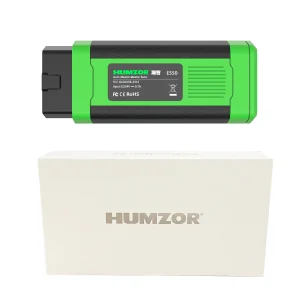
Manata Scanner
1 / 5
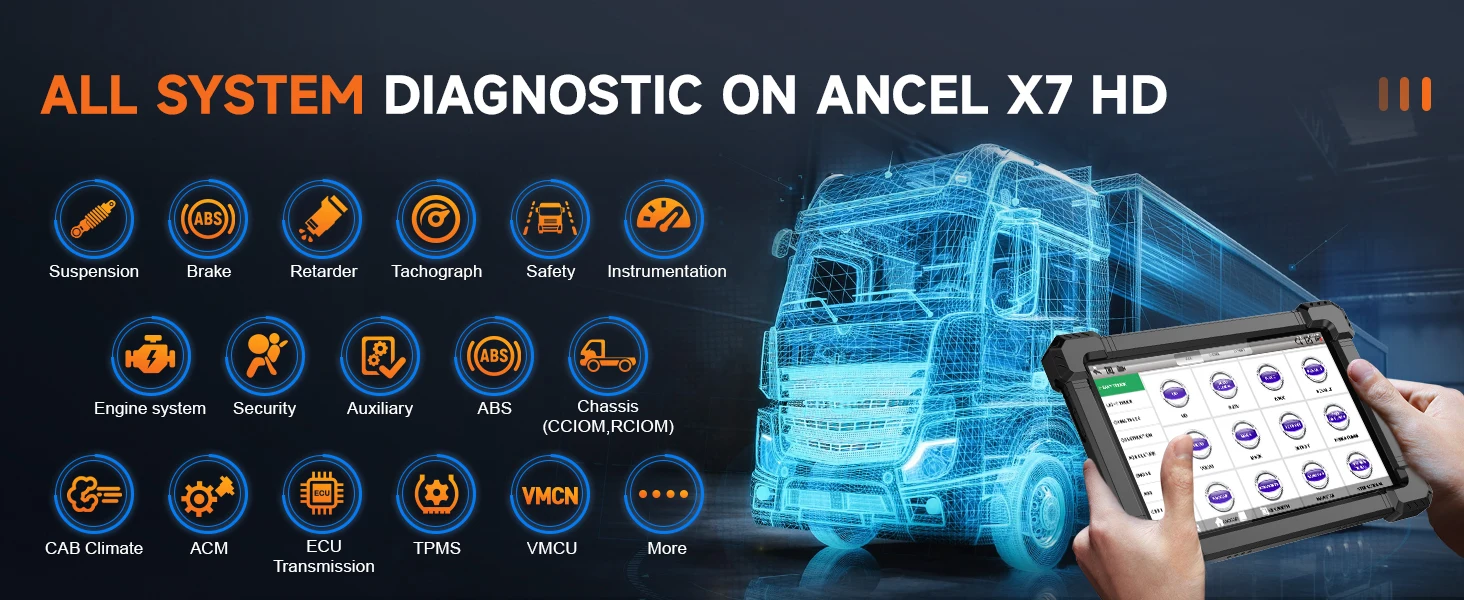
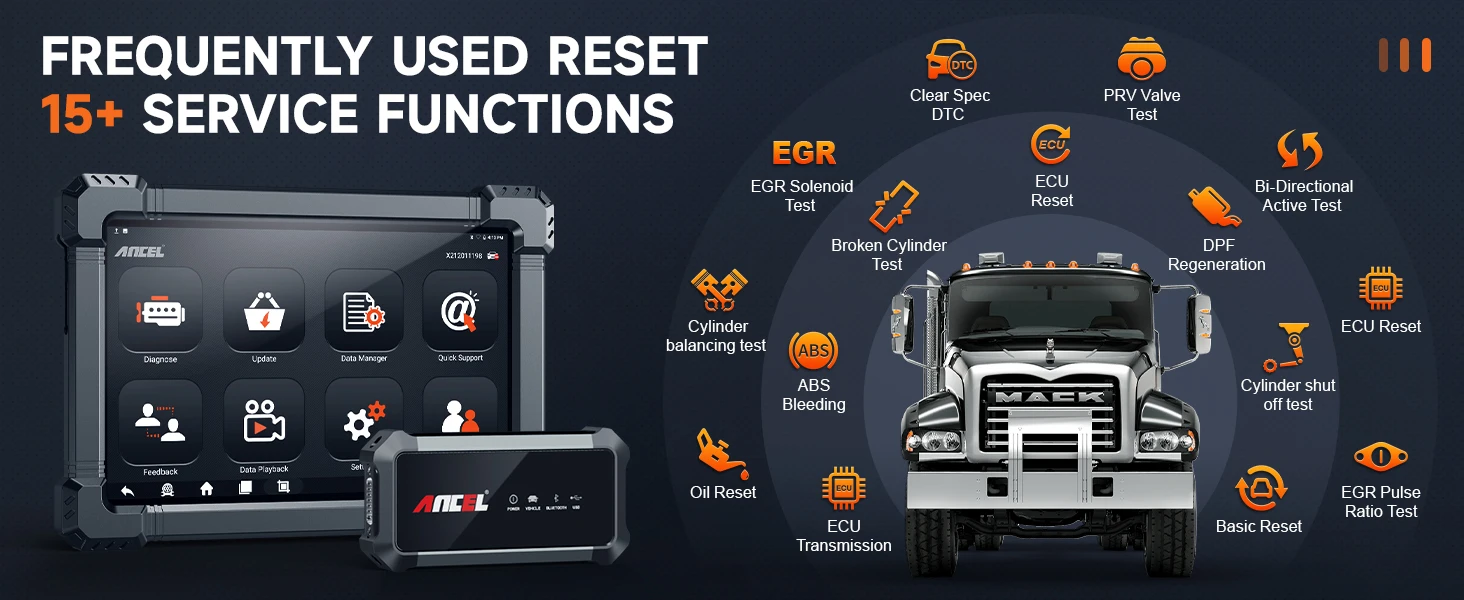
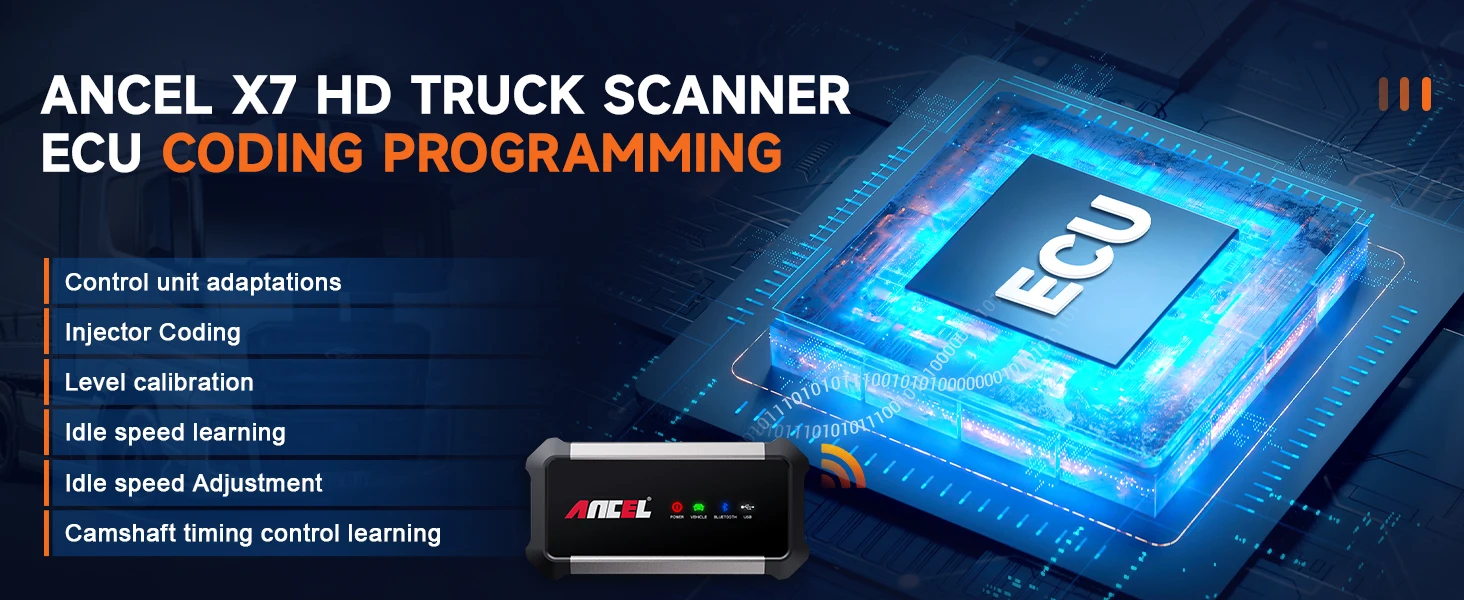
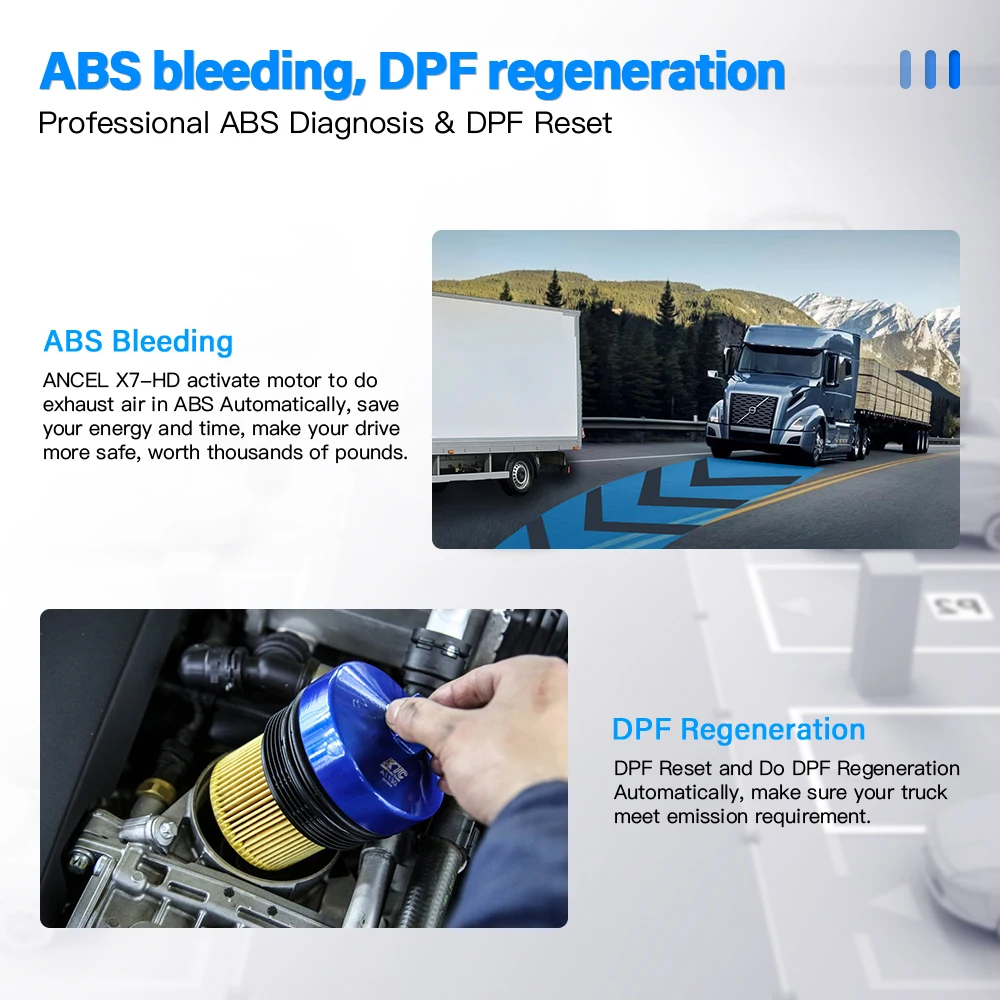
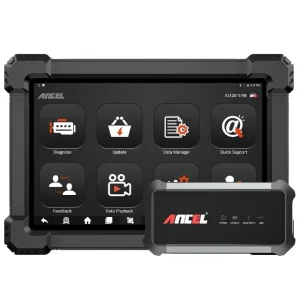
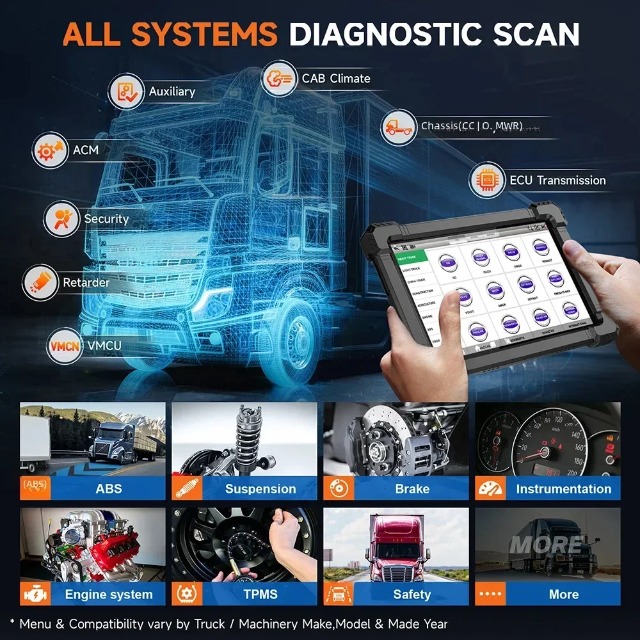
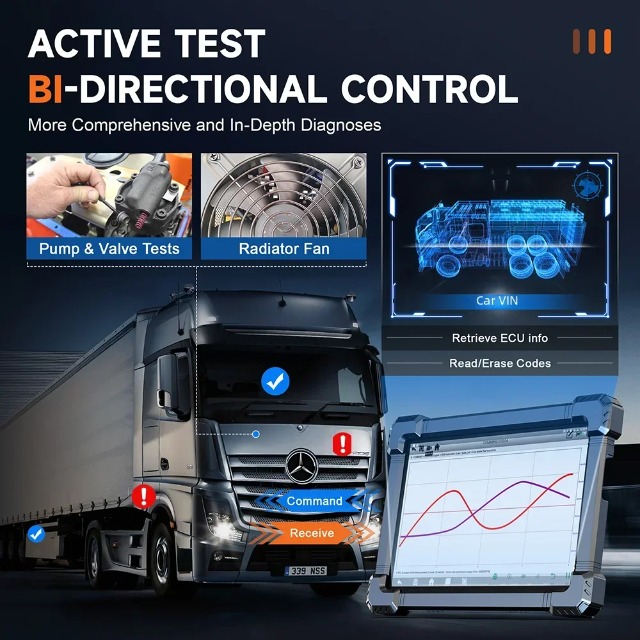
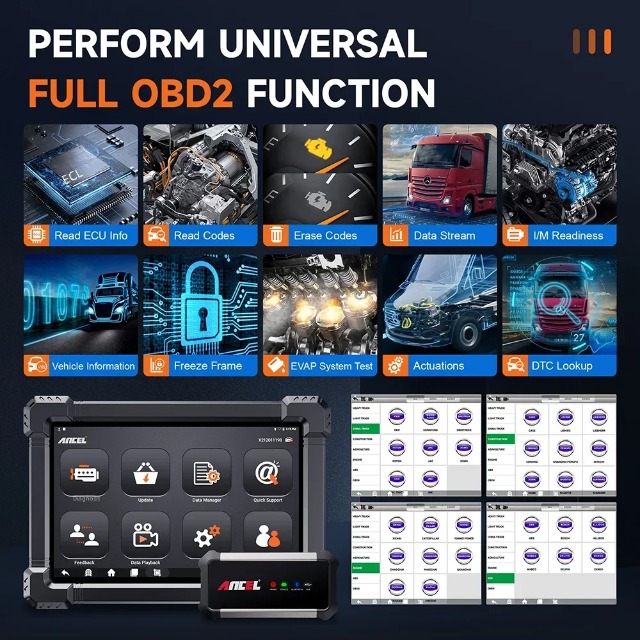
Access and retrieve essential Electronic Control Unit data directly.
Efficiently read Diagnostic Trouble Codes (DTCs) and clear active codes.
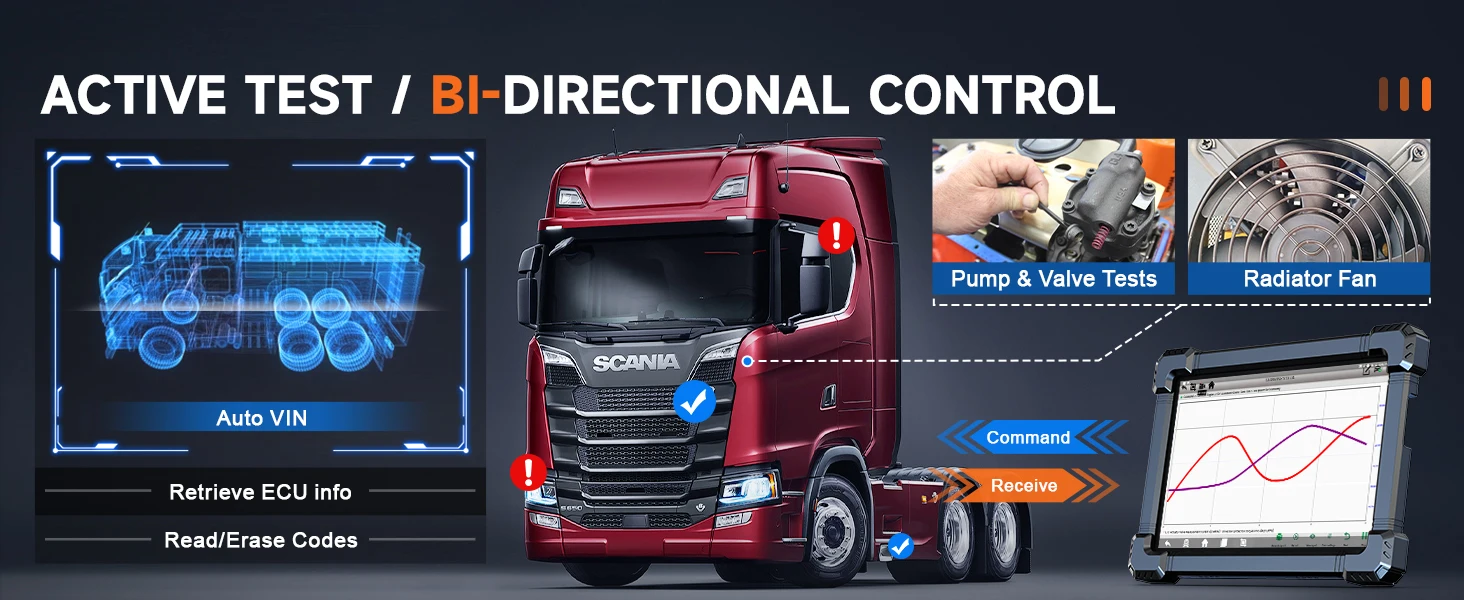
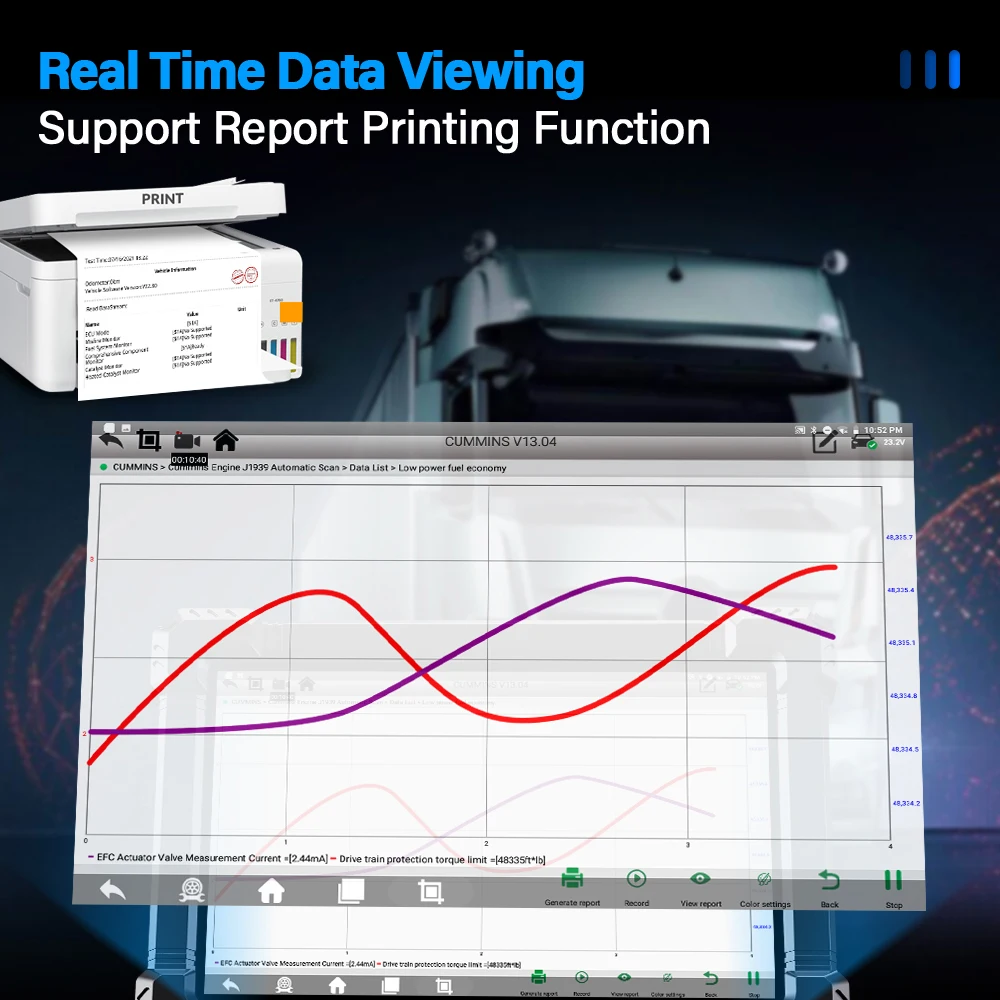
Real-time data stream waveform display for precise diagnostics.
Inspect snapshots of critical operating parameters captured during a fault.
Manage the Vehicle App, testing pictures, and other files with efficient storage control.
Automatically identify the vehicle model and retrieve core device specifications.
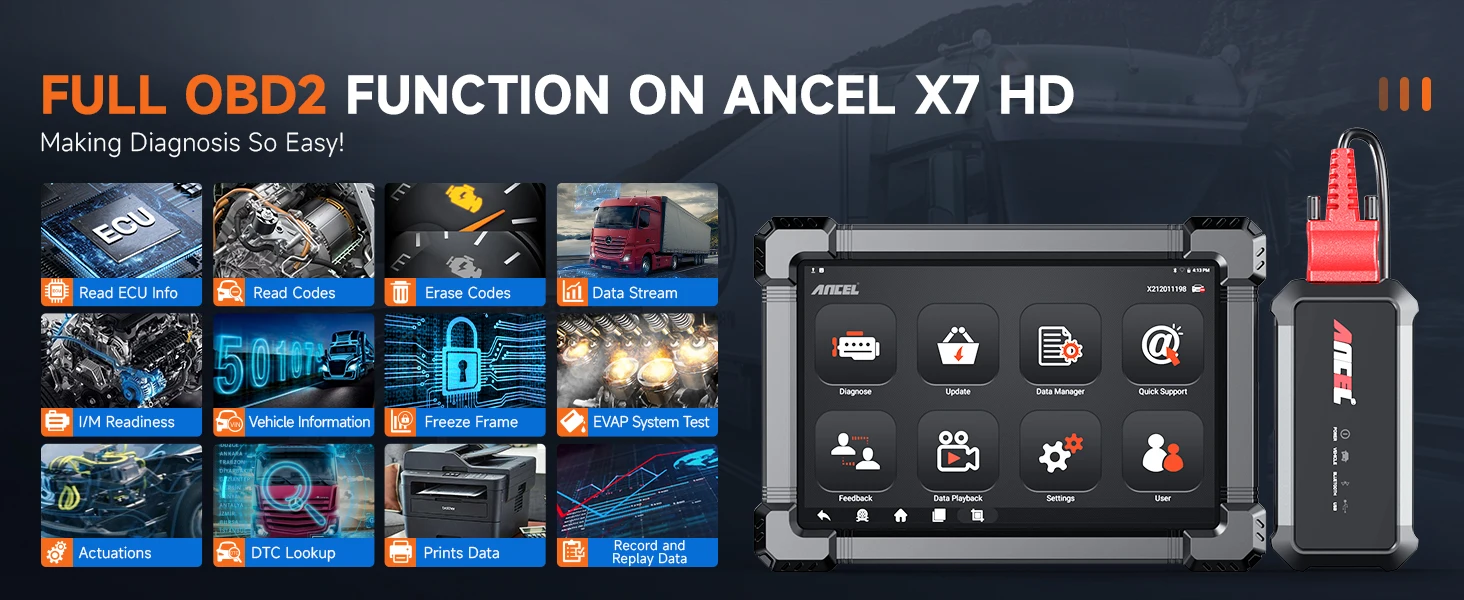
Remote online technical support is available. Please follow the steps below:
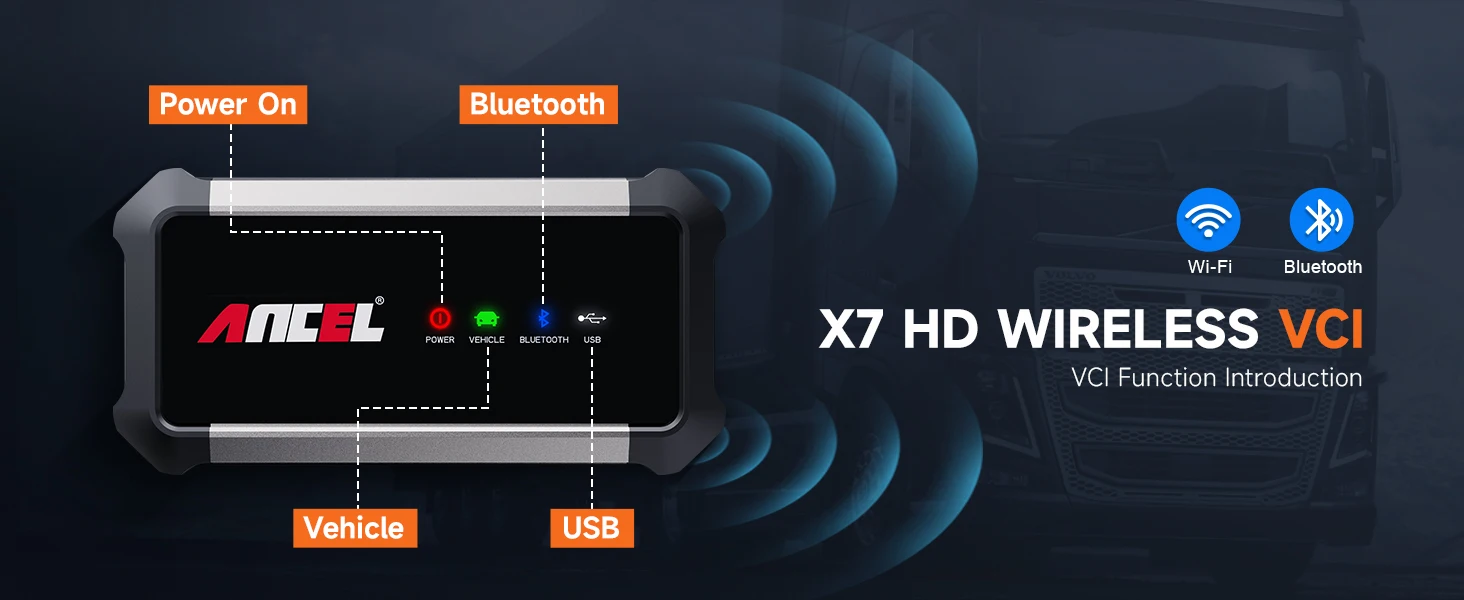
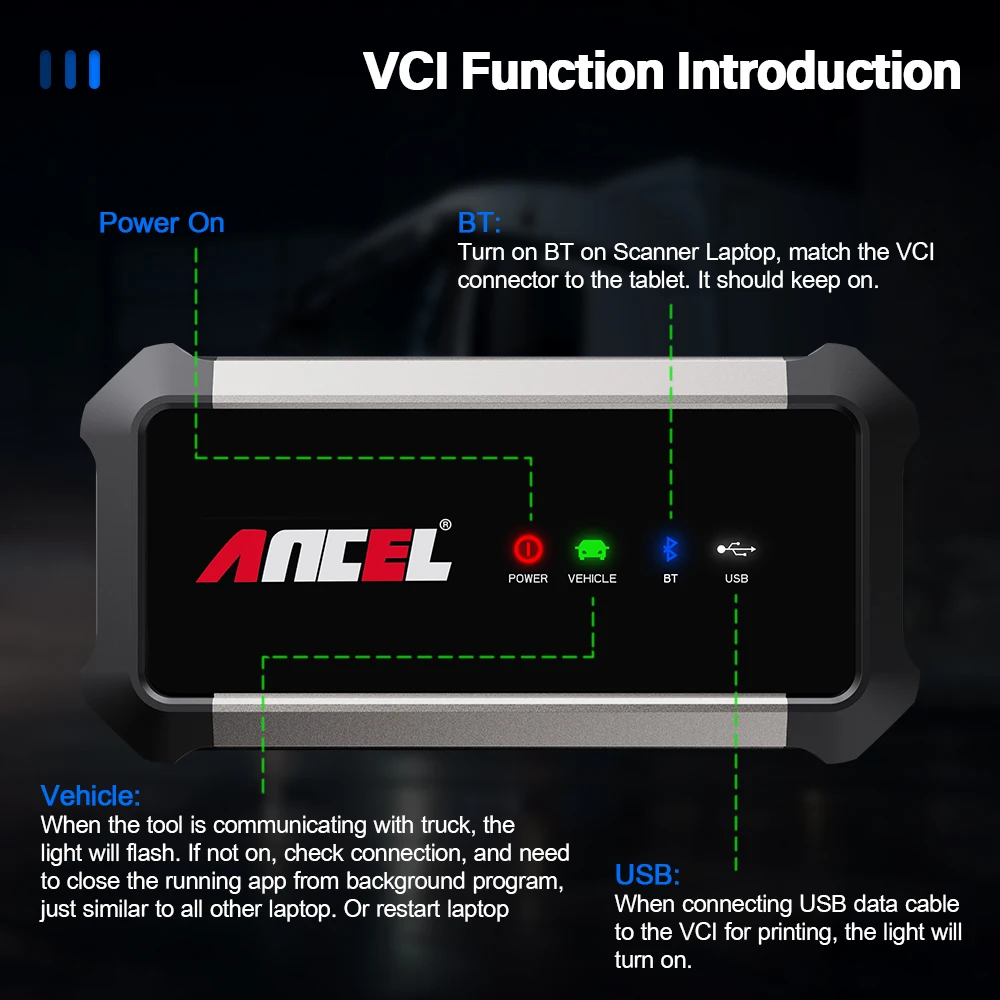
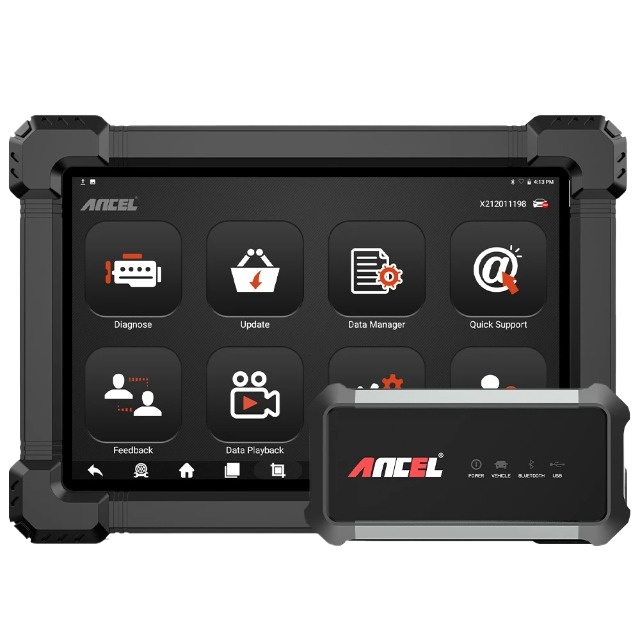
Turn on Bluetooth on the Scanner tablet, and pair it with the VCI connector. The light indicator will stay illuminated once connected.
When linking the USB data cable to the VCI connector for printing or communication, the light indicator will turn on.
When communicating with the vehicle, the light indicator will flash. If not active, verify the interface connection or restart the software/tablet.