Product Description
Compatible with LAUNCH tools, OEM tools or any other diagnostic tools.
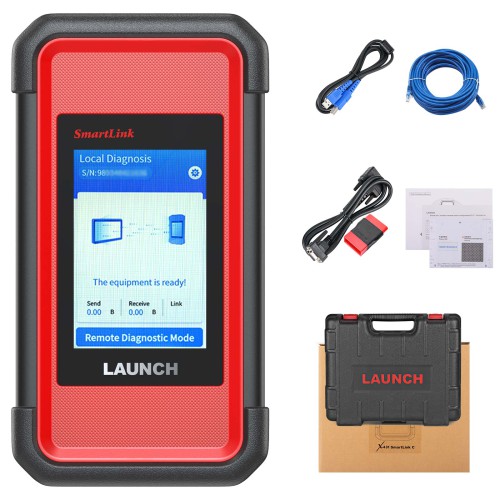
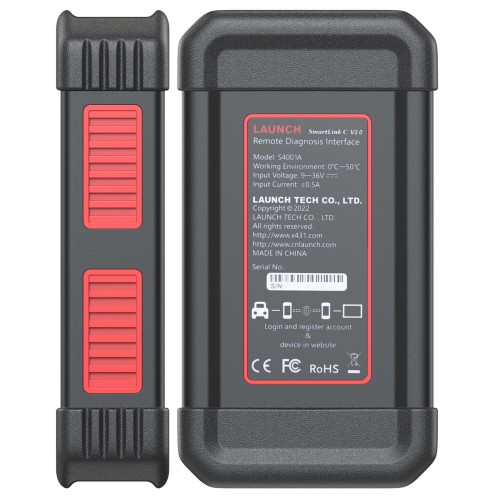
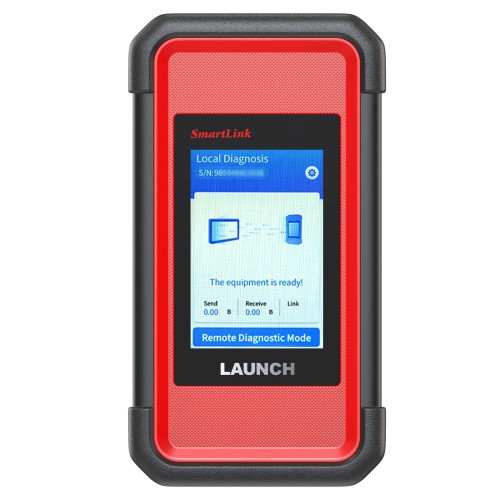
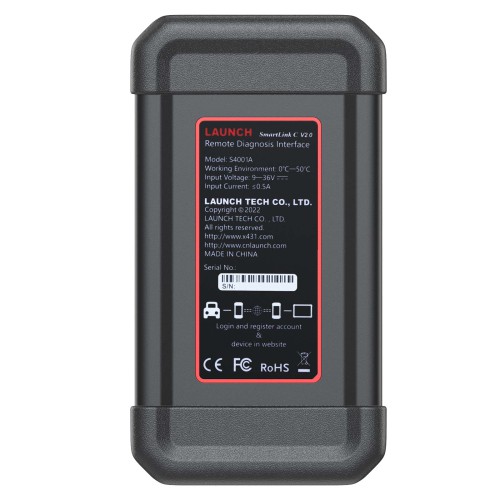
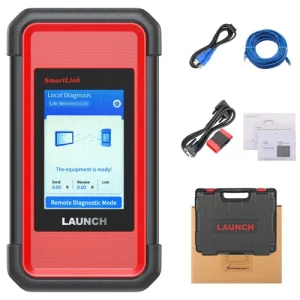
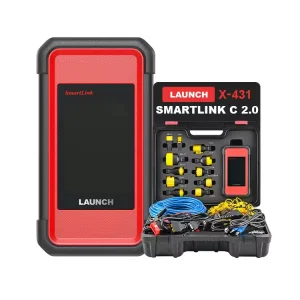
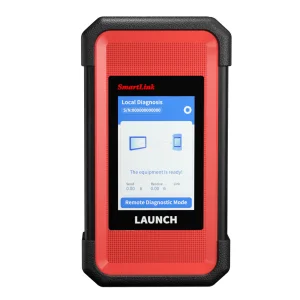
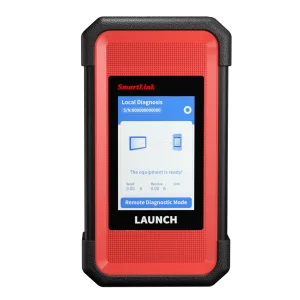
Launch SmartLink C V2.0 Remote Diagnosis Device
The SmartLink Remote Diagnostics System is a newly developed powerful service system dedicated to remote vehicle diagnosis and service. In this system, SmartLink B (Business), as a SmartLink Service Provider, can accept remote repair orders issued by SmartLink C users via SmartLink Service Platform.
Launch X431 SmartLink C Features
- Compatible with LAUNCH tools, OEM tools or any other diagnostic tools
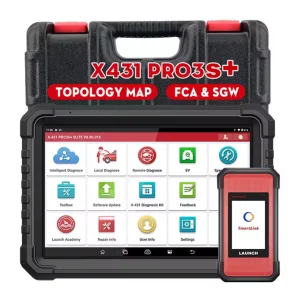
- SmartLink can be used not only remote diagnosis but also local diagnosis by working with LAUNCH intelligent diagnostics
- Support more advanced protocols like J2534, DoIP, CAN FD, CAN 2.0, RP1210, D-PDU
- Publish request and accept offer from Launch Super Remote Diagnosis Reservation Platform
- Check documentation on how to activate Smartlink C remote diagnosis.
Requires Activation card.
Note: Smartlink C remote diagnosis can not be used in the USA, Mexico, Canada, Brazil, Japan, Australia.
SRDs SmartLink (Super Remote Diagnosis Solution)
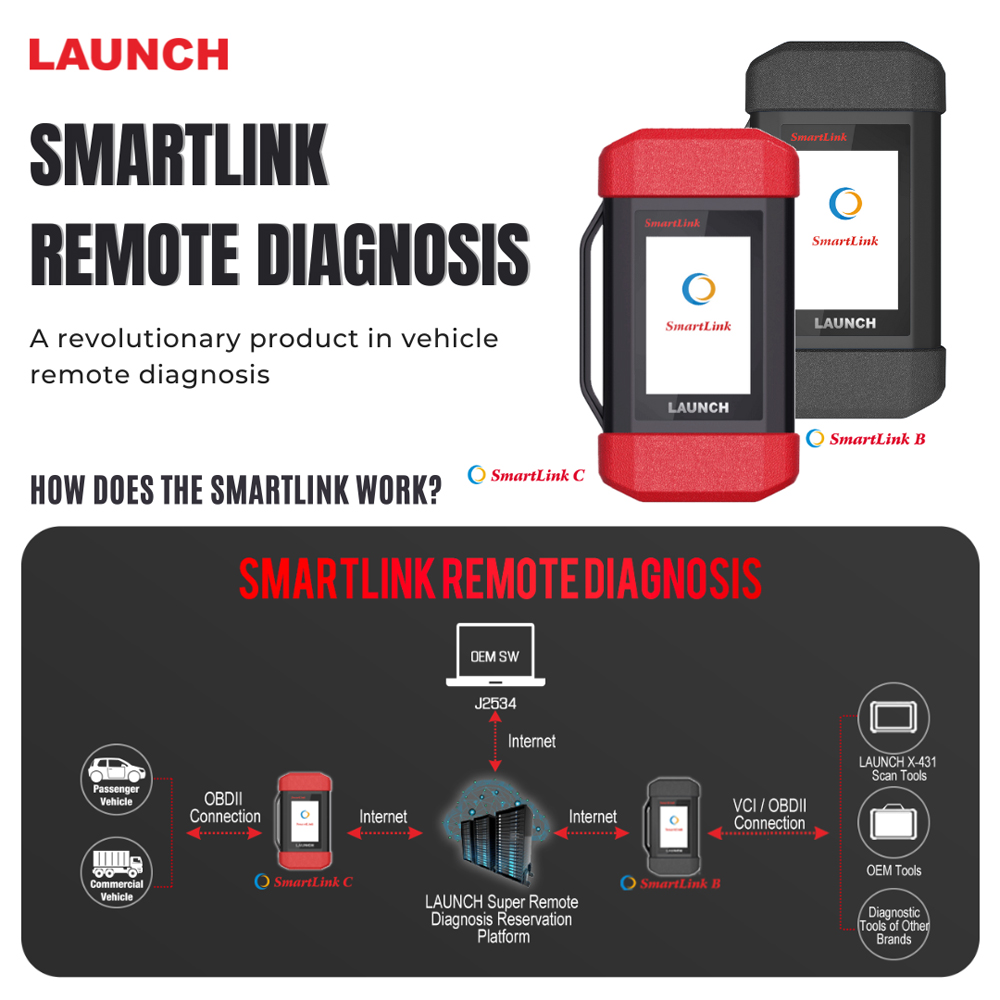
SRDs is comprised of SmartLink C, SmartLink B and Cloud Platform.
The SmartLink C can be connected to the vehicle, and the SmartLink B can be connected with any diagnostic device. The remote diagnosis will be carried out on the SmartLink platform.
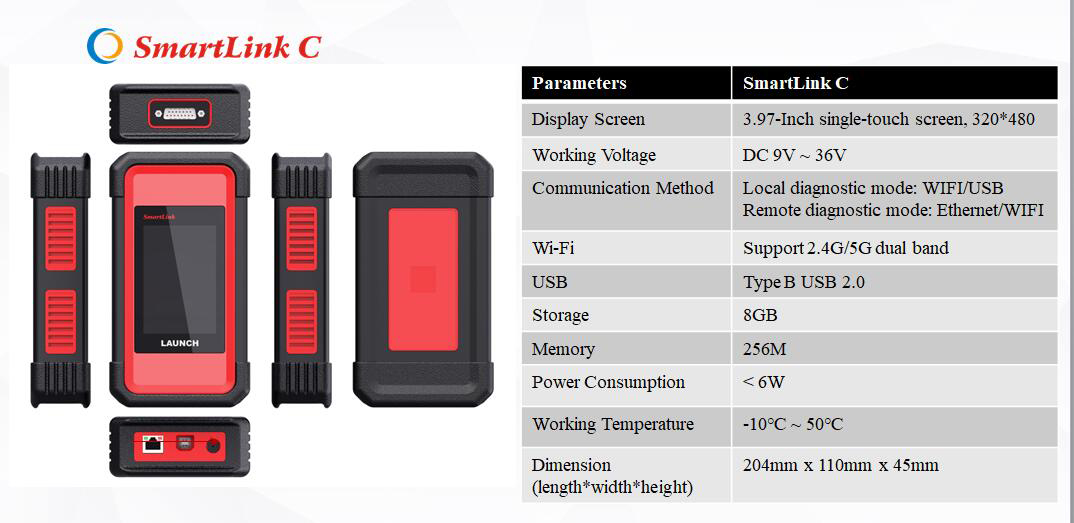
Launch X431 SmartLink C Technical Parameters
- 3.97“ Single-Touch Screen, 320 x 480
- Working Voltage: DC 9V ~ 36V
- Communication method: Ethernet
- Type B USB 2.0
- Storage: 8GB
- Memory: 256M
- Power Consumption: < 6W
- Working temperature: -10°C ~ 50°C
- Storage temperature: -20°C ~ 60°C
- Storage humidity: 10% ~ 90%
- Dimension: 204 x 110 x 45 mm
Launch X431 SmartLink C Service Platform:
SmartLink Platform is used to pair the connection between SmartLink C and SmartLink B operated with the internet browser.
SmartLink C user can post the remote diagnosis request on this platform. SmartLink B user can see the requests from their clients and accept the request to do the remote diagnosis.
How Does the LAUNCH SMARTLINK REMOTE DIAGNOSIS WORK?
This picture may help you better understand the complete procedure of the Smartlink remote diagnosis.
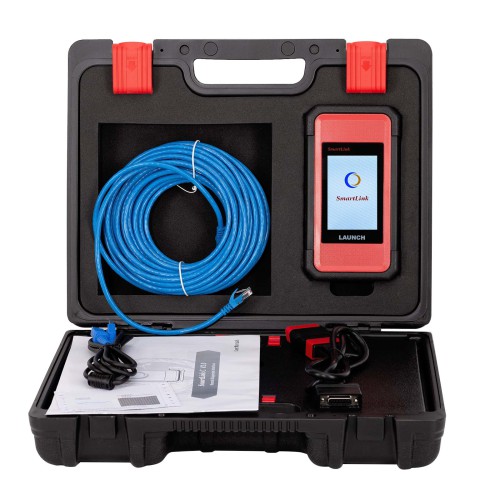
Launch X431 SmartLink C Packing List:
The following accessory items are for reference only. For detailed items, please consult with a local agency or check the packing list supplied with the device.
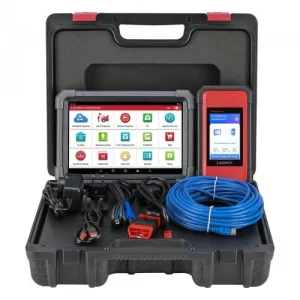
- SmartLink C Dongle – For SmartLink Service Provider
- OBD II Extension Cable – Connects the dongle to the VCI of the compatible diagnostic tool
- CAT-6 Crossover Cable – Connects the dongle to the network modem
- Power Adaptor – Supplies power to the dongle through an AC outlet.
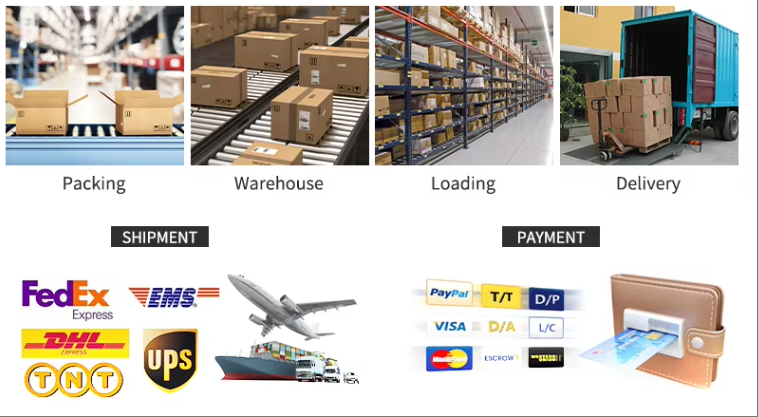
Packaging & Shipping
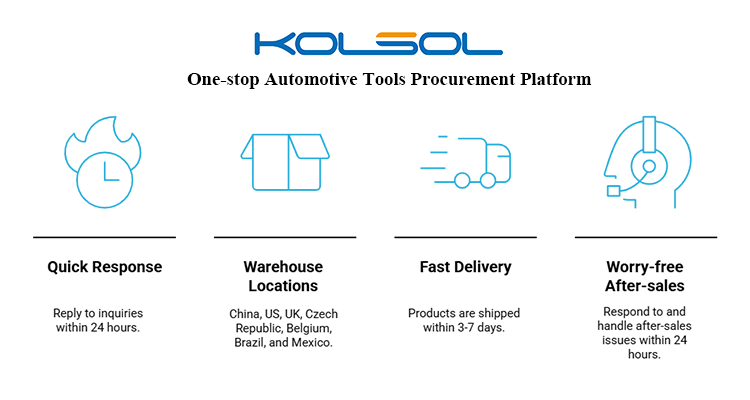
Our Services
| Service Type |
Service Details |
| 1. 72-Hour Express Delivery |
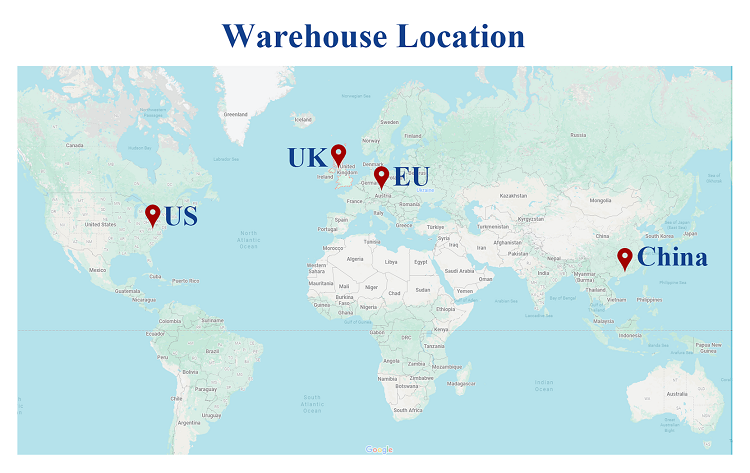
Local stock in the US, UK, and Czech Republic for fast delivery across North America, Europe, and beyond. |
| 2. Global Ready |
Supports over 95% of vehicle models worldwide and offers 10+ languages (English, German, Spanish, etc.). |
| 3. Universal Coverage |
Works with 98% of global car brands including petrol, diesel, hybrid, and EV (BMW, Tesla, Toyota, Ford, etc.). |
| 4. 48-Hour Dispatch |
Orders ship within 48 hours. Delivery takes 5–10 days. Free shipping to your China agent. |
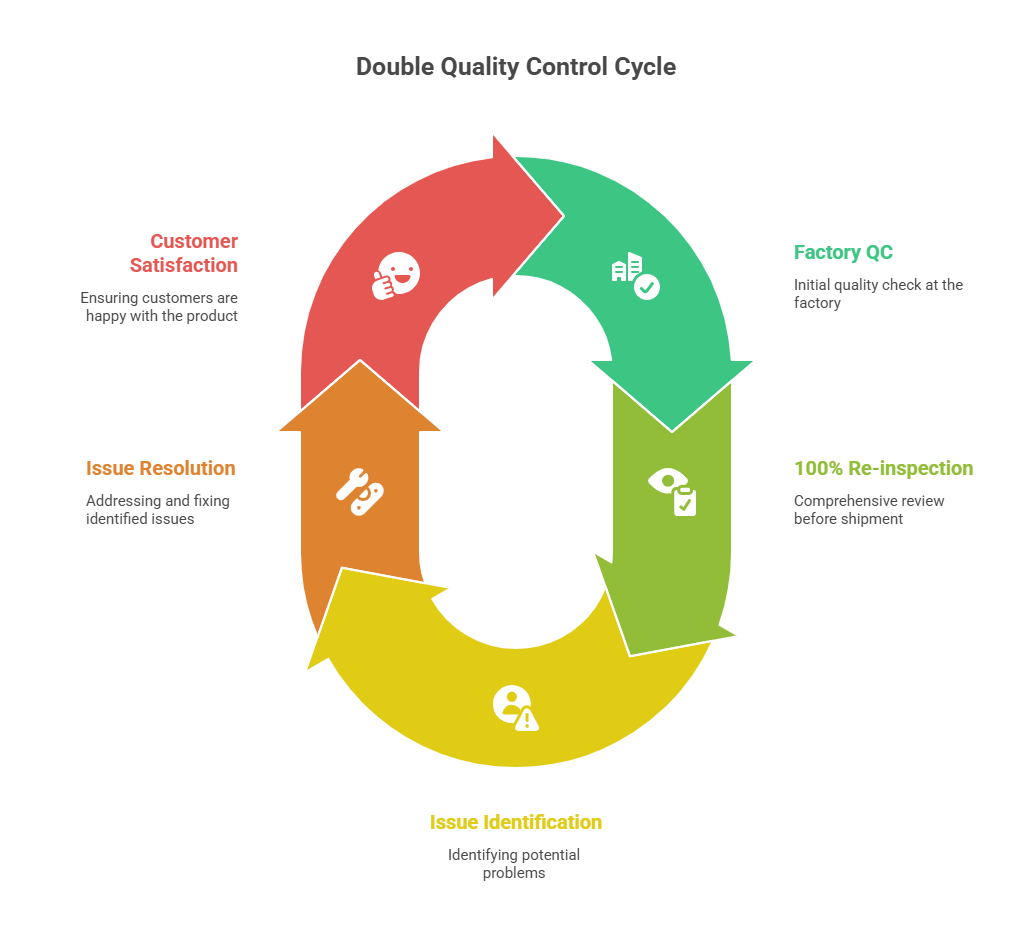
| 5. 100% Quality Inspection |
All products undergo full inspection before delivery to ensure quality and performance. |
| 6. 24/7 Tech Support |
Global technical team available 24/7. 48-hour response time for troubleshooting, firmware upgrades, and custom needs. |
| 7. Universal Diagnostics |
Compatible with all major auto brands and systems, including hybrid and electric vehicles. |
| 8. One-Stop Solution |
A single contact person will handle everything from quotation, shipping to after-sales service. |
Store Policies & Information
1. Why shop with us?
- 365 Days Warranty
- 30-Day Return & Refund Policy
- Lifetime Online Tech Support
- Rated Excellent on Trustpilot
- Deemed safe and legit by Scamadviser
- Secure Payment Guaranteed
2. Available Brands
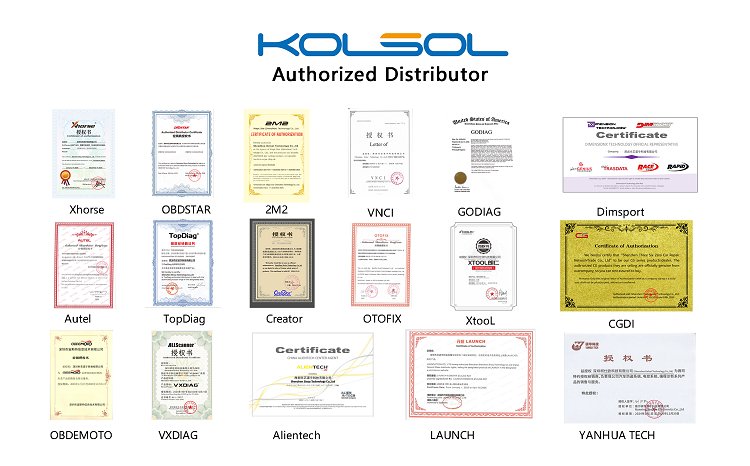
AUTEL, XHORSE, LAUNCH, OBDSTAR, GODIAG, XTOOL, LONSDOR, YANHUA, VXDIAG, ALIENTECH, CGDI, LISHI, etc.
3. Warranty & Support
- 1-year warranty from the date of receipt.
- Free lifetime online technical support.
- Free updates for your item.
4. Repair Policy
If your product is damaged after some time of use, we offer repair service. Please contact customer service and return the item by simple airmail. We will cover the return shipping by airmail. If you prefer express shipping, the extra cost will be at your expense.
5. Return Policy
Eligible conditions:
- Quality issues: Faulty or damaged upon arrival.
- Lost in transit: Confirmed by the carrier.
- Non-quality issues: Case-by-case after review (10% handling fee if approved).
Not Eligible conditions:
- Wrong item ordered or change of mind (no quality issue).
- Damage caused by the customer after delivery.
Frequently Asked Questions
What protocols does the Launch SmartLink C V2.0 support?
The device supports advanced communication protocols such as J2534, DoIP, CAN FD, CAN 2.0, RP1210, and D-PDU, making it compatible with a wide range of modern vehicle diagnostic standards.
In which countries is the SmartLink C remote diagnosis function not supported?
Please note that the SmartLink C remote diagnosis feature cannot be used in the USA, Mexico, Canada, Brazil, Japan, and Australia.
Does the SmartLink C V2.0 require an activation card?
Yes, utilizing the remote diagnostics capabilities of the SmartLink C V2.0 requires an activation card to set up and bind the service platform.
What warranty and support services are provided with the purchase?
The product is backed by a 1-year warranty starting from the date of receipt, along with free lifetime online technical support and free software updates.
How does the remote diagnosis procedure work?
The SmartLink C is connected directly to the vehicle's OBD port, while the SmartLink B connects to a diagnostic device at the service provider's end. The diagnosis process is then paired and managed remotely via the SmartLink Cloud Platform using an internet browser.
What is your policy for non-quality returns?
Returns for non-quality reasons (such as changing your mind or ordering the wrong item) are reviewed case-by-case. If approved, they will be subject to a 10% handling fee.
 Manata Scanner