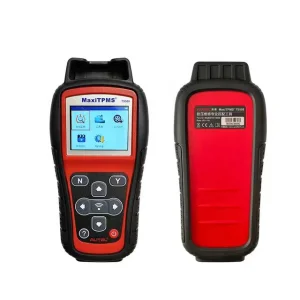
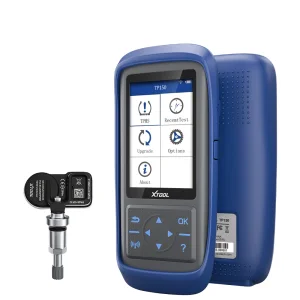
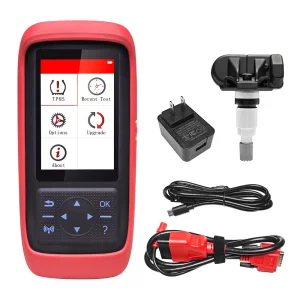
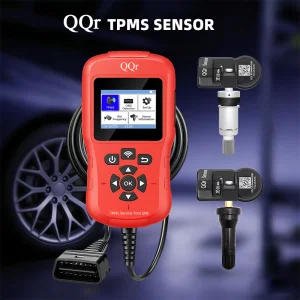
CGDI CGSULIT TPMS90 TPMS 90 Universal Diagnostic Relearn Car TPMS Programming Tool Support Diagnose the Vehicle TPMS System

Product Description

Products Description

TPMS90 TPMS Diagnostic Tool

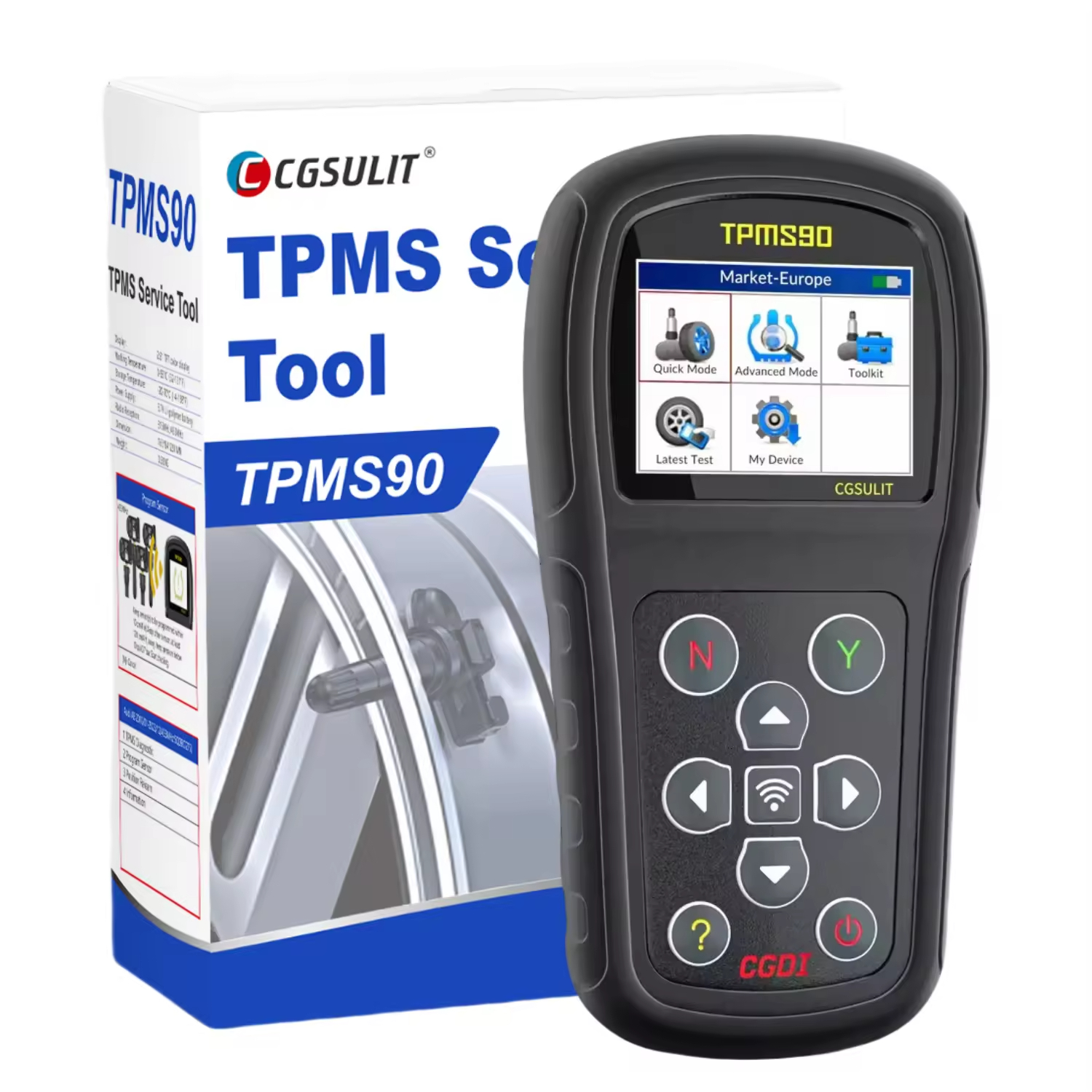
The TPMS90 is a professional TPMS diagnostic and service tool which can activate/decode universal TPMS sensors, program dedicated TPMS sensors and diagnose the vehicle tire pressure monitor system problems. The TPMS90 together with compatible sensors are the best solution for busy tire and automotive workshops that require a professional tool for TPMS service.

Important Notice

The TPMS90 only can work with dedicated compatible sensors. It is not compatible with other brand sensors.
TPMS90 TPMS Diagnostic Tool Product Image

Key Features & Highlights

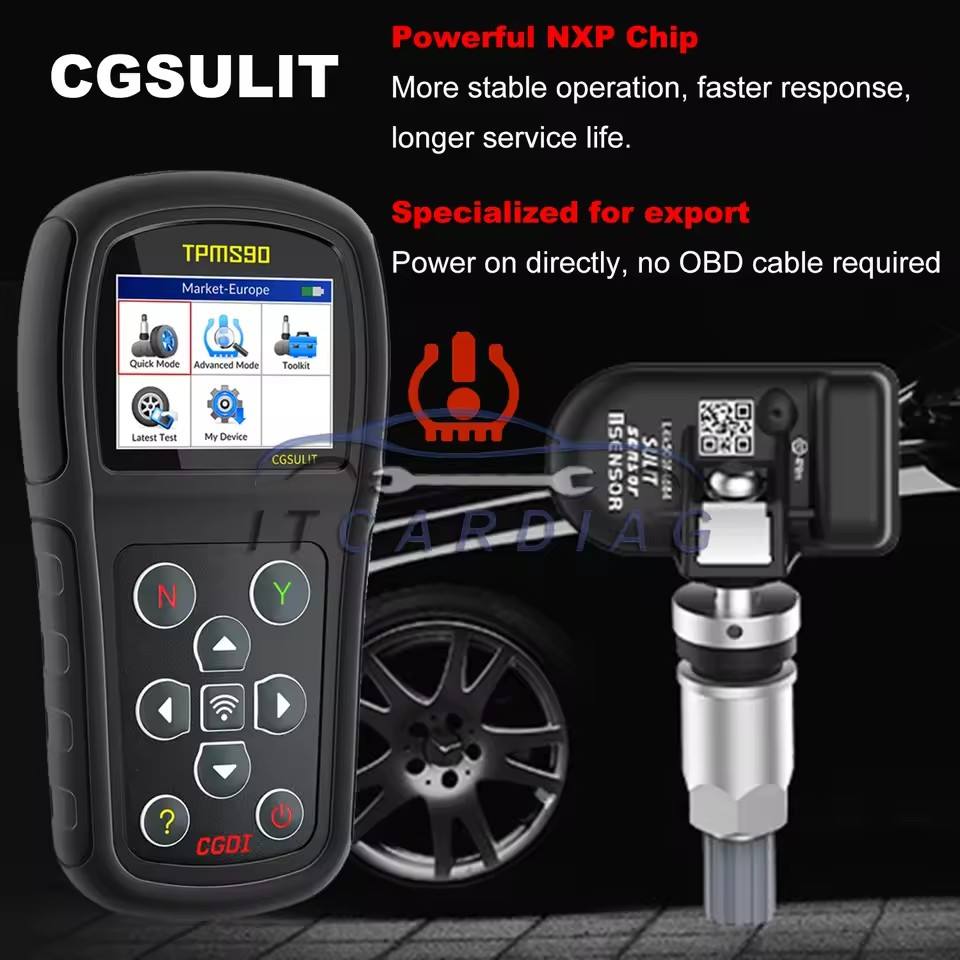
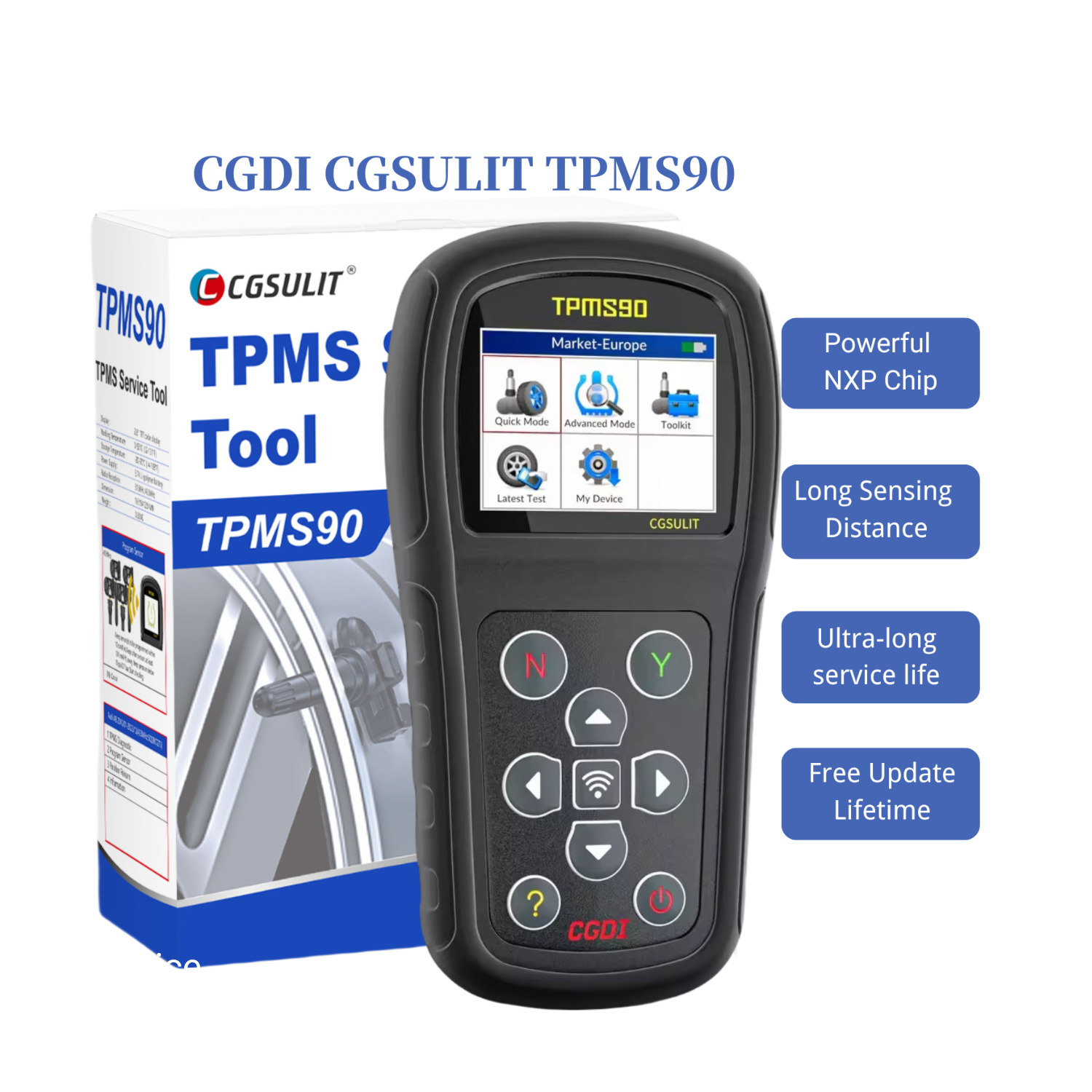
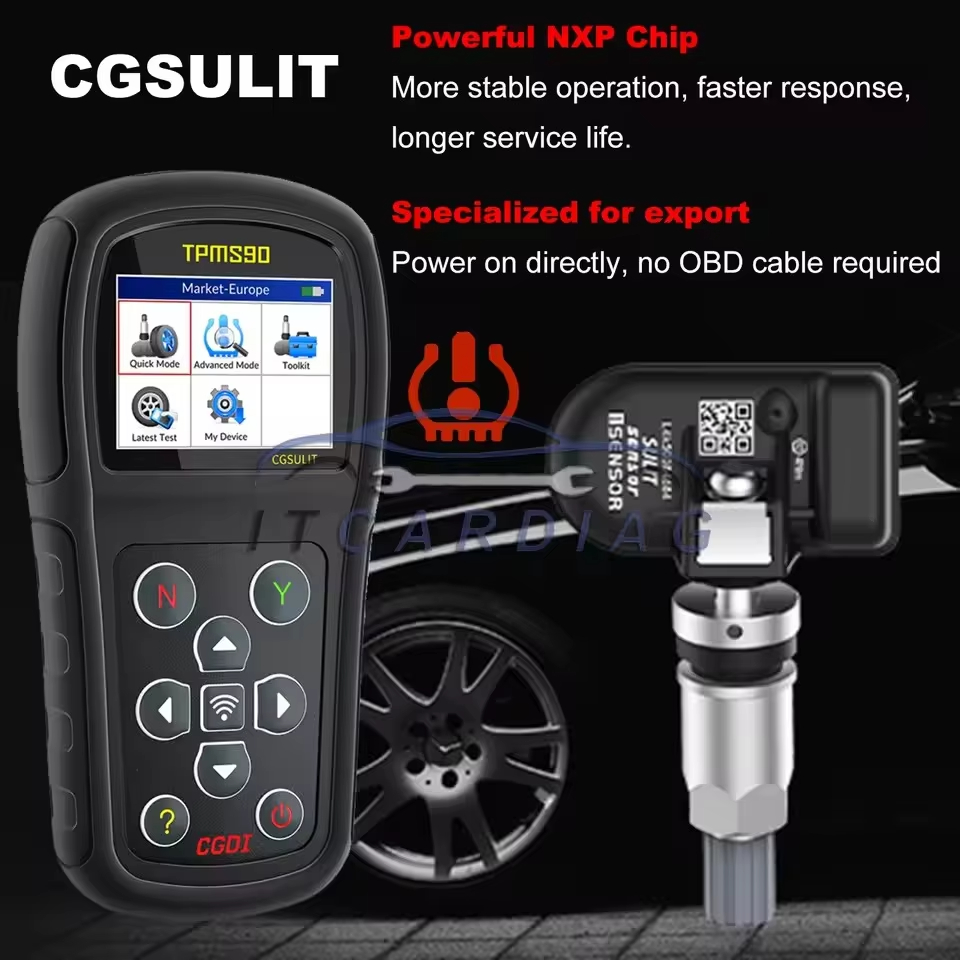
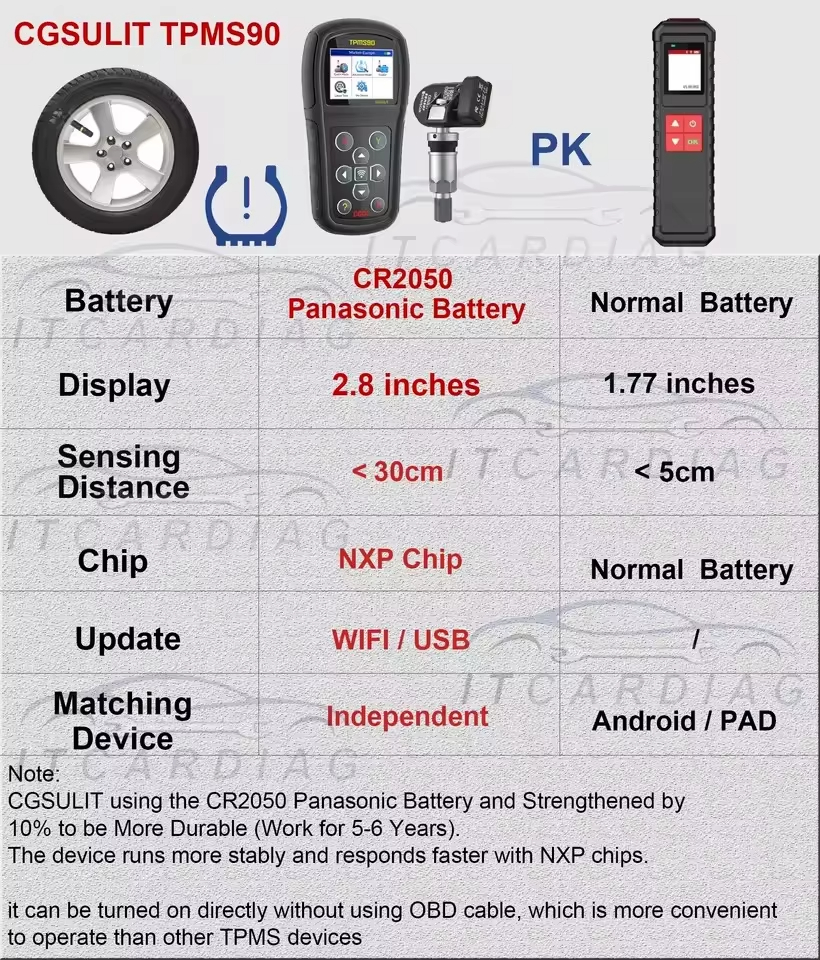
  • Imported Processing Chips: Ensures more stable operation, faster system response, and an extended service life.
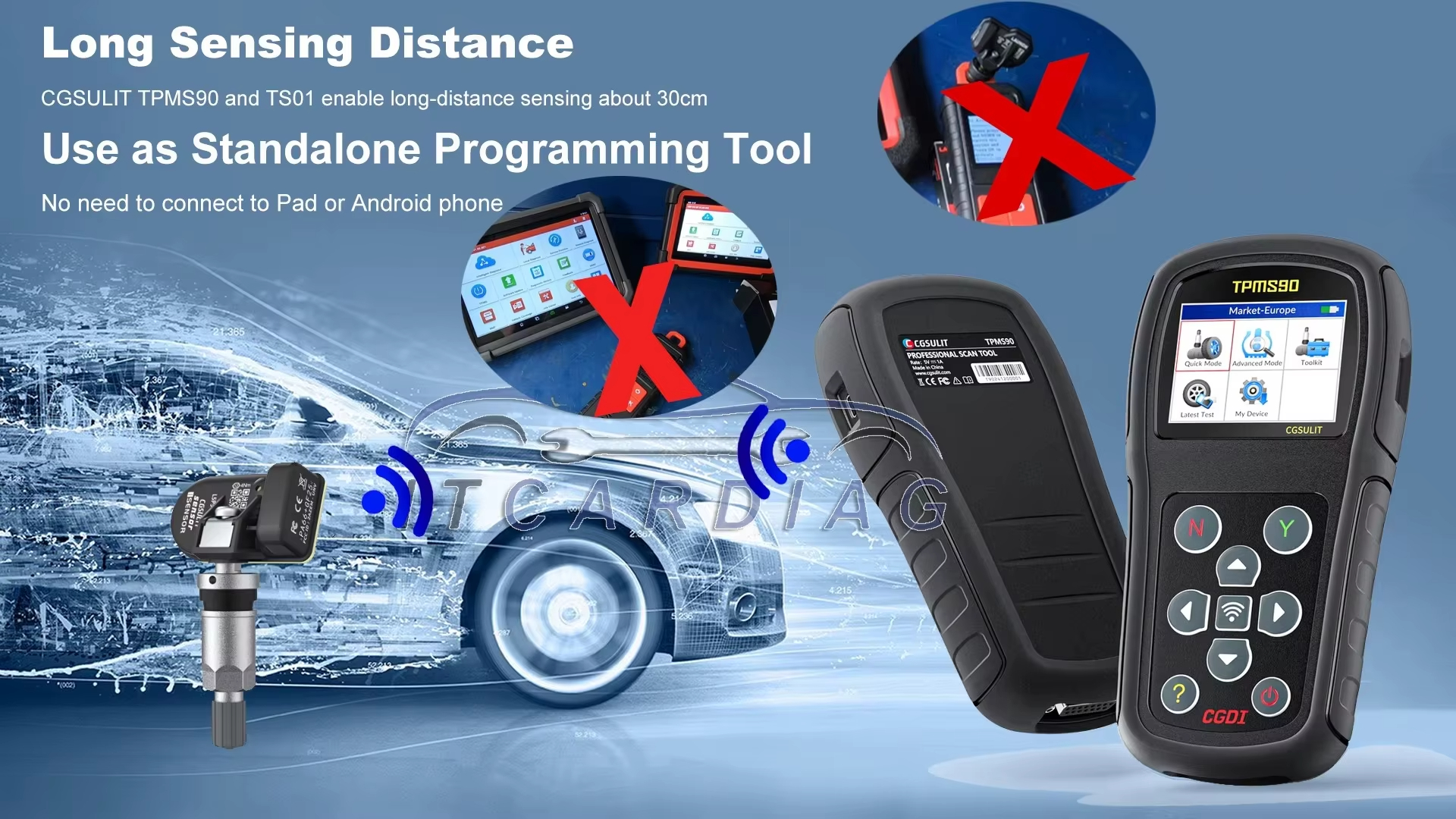
  • Dedicated Standalone Design: Simple power-on operation with no OBD cable required for standalone programming. Does not require a tablet or mobile phone connection.
  • Broad Vehicle Coverage: Targeted segments covering markets in Japan, Europe, South Korea, the US, and Australia.
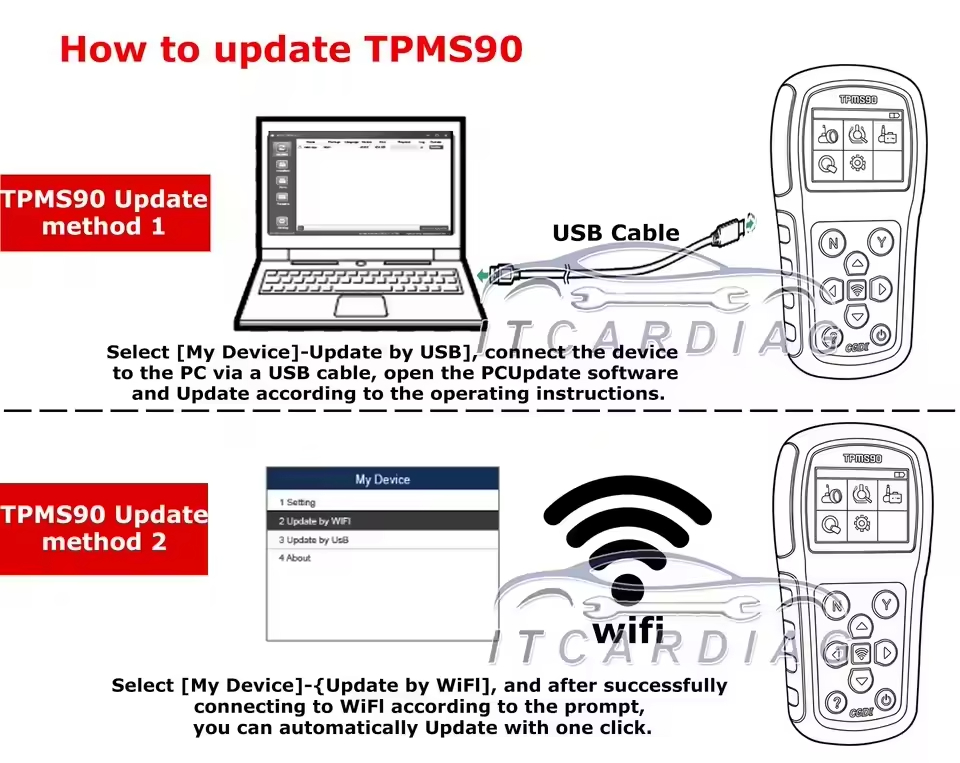
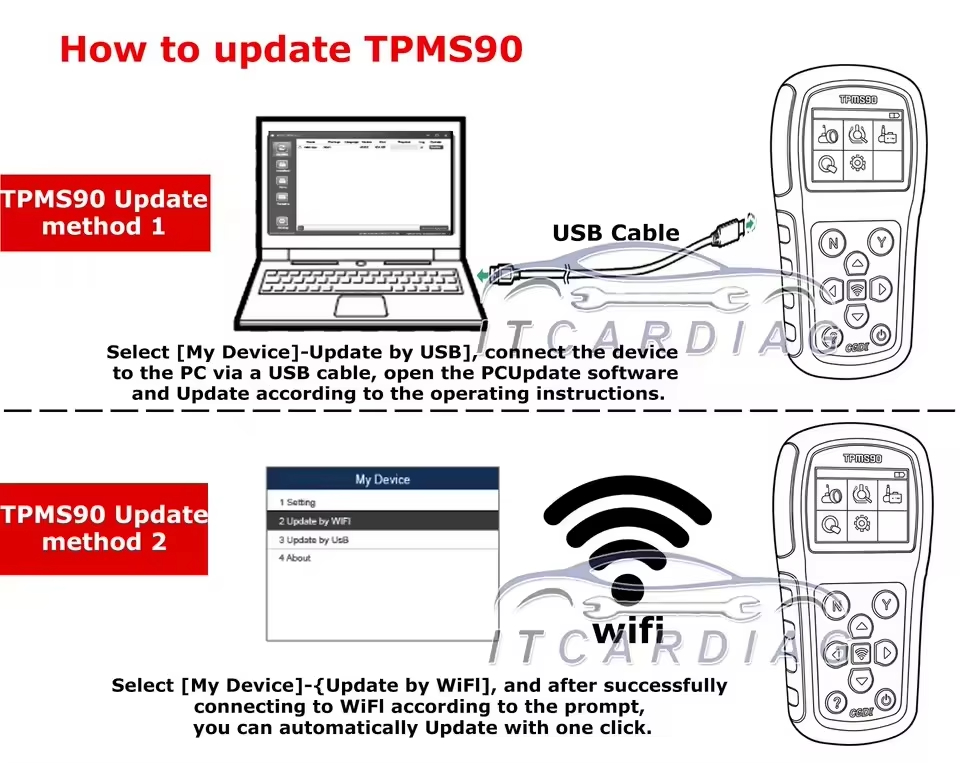
  • Lifetime Free Updates: Supports multiple update options including Wi-Fi direct updates or via USB connection to a PC.
  • 2.8-Inch Color Screen: Large, clear display screen offering a convenient and user-friendly operation interface.
  • Extended Sensing Distance: Advanced antenna design enables long-distance sensor signal reading.
  • EV Support: Added support specifically designed for electric vehicles (EV).
  • Durable Panasonic CR2050 Battery: Strengthened by 10% to provide a long service life of 5 to 6 years.

Supported Languages

English French Spanish
TPMS90 Interface and Functions

Functional Specifications

  • Supports the latest communication protocols, including CAN FD.
  • Provides easy updates through both Wi-Fi and USB with lifetime free license.
  • Reads universal TPMS sensor data, activates, and programs dedicated sensors.
  • Diagnoses complete vehicle TPMS system status.
  • Scans universal TPMS sensor IDs and copies them onto dedicated replacement sensors.
  • Supports manual input of OE sensor IDs.
  • Auto-creation of sensor IDs for programming replacement sensors.
  • Reads sensor IDs through OBD and copies them directly.
  • Relearn by OBD functions supported.
  • Step-by-step on-screen relearn procedure guide.
  • Key FOB testing functionality.

Operating Instructions

Follow these steps for diagnostic operations:

  1. 1 Turn off the vehicle's ignition switch.
  2. 2 Plug the TPMS90 unit directly into the vehicle's OBD II diagnostic port.
  3. 3 Use the device interface to perform sensor operations such as reading IDs, writing new IDs, sensor identification, cloning, and programming.

Software Update Guide

Ensure the device is fully charged or connected to a reliable power source and connected to the internet before starting updates.

Update via Wi-Fi:

  1. 1 Navigate to: My Device > Update by WiFi on the device menu.
  2. 2 Connect to your local Wi-Fi network and follow the prompts to complete the update.

Update via USB:

  1. 1 Connect the device to your PC using a USB-C cable.
  2. 2 Open the PC Update Tool and select Update by USB.
TPMS90 Operation Display

Product Showcase

TPMS90 Detail Image 1
TPMS90 Detail Image 2

Packing List

  • 1 * Blow Molding Case
  • 1 * Main Unit
  • 1 * Main Cable
  • 1 * USB Cable
  • 1 * User Manual
  • 1 * Warranty Card

Specifications

Model Name TPMS90
Warranty Service 1 Year

Packing & Shipping

Packaging Box and Contents

Frequently Asked Questions

Can the TPMS90 work with other brand sensors?
No, the TPMS90 is specifically programmed to work with its dedicated compatible sensors. It is not compatible with sensors from other brands.
How can I update the device software?
The device comes with lifetime free updates. You can update automatically via Wi-Fi directly on the device under the 'Update by WiFi' menu, or connect the unit to a PC with a USB-C cable to update via the PC Update Tool.
What languages are supported by the TPMS90?
The tool fully supports English, French, and Spanish languages.
What payment methods do you accept?
For our customers' convenience, we support a wide range of payment methods including PayPal, Western Union, T/T, MoneyGram, Credit Cards, Trade Assurance, Cash, and Escrow.
What is the warranty policy?
We provide a 1-year product warranty service. If any issues arise, please contact support with details to receive assistance.
How long does shipping take?
Shipments are processed and arranged within 5 working days after the payment is successfully received.

Related Products